Design studio
Design every post, ad and print file in one studio.
Drafts arrive already designed in your brand. Open any of them in the studio to change it, or start from more than 1,500 templates. What you see on the canvas is exactly what gets published.
Card required · nothing charged for 7 days · cancel anytime
Example brand
Creative styles
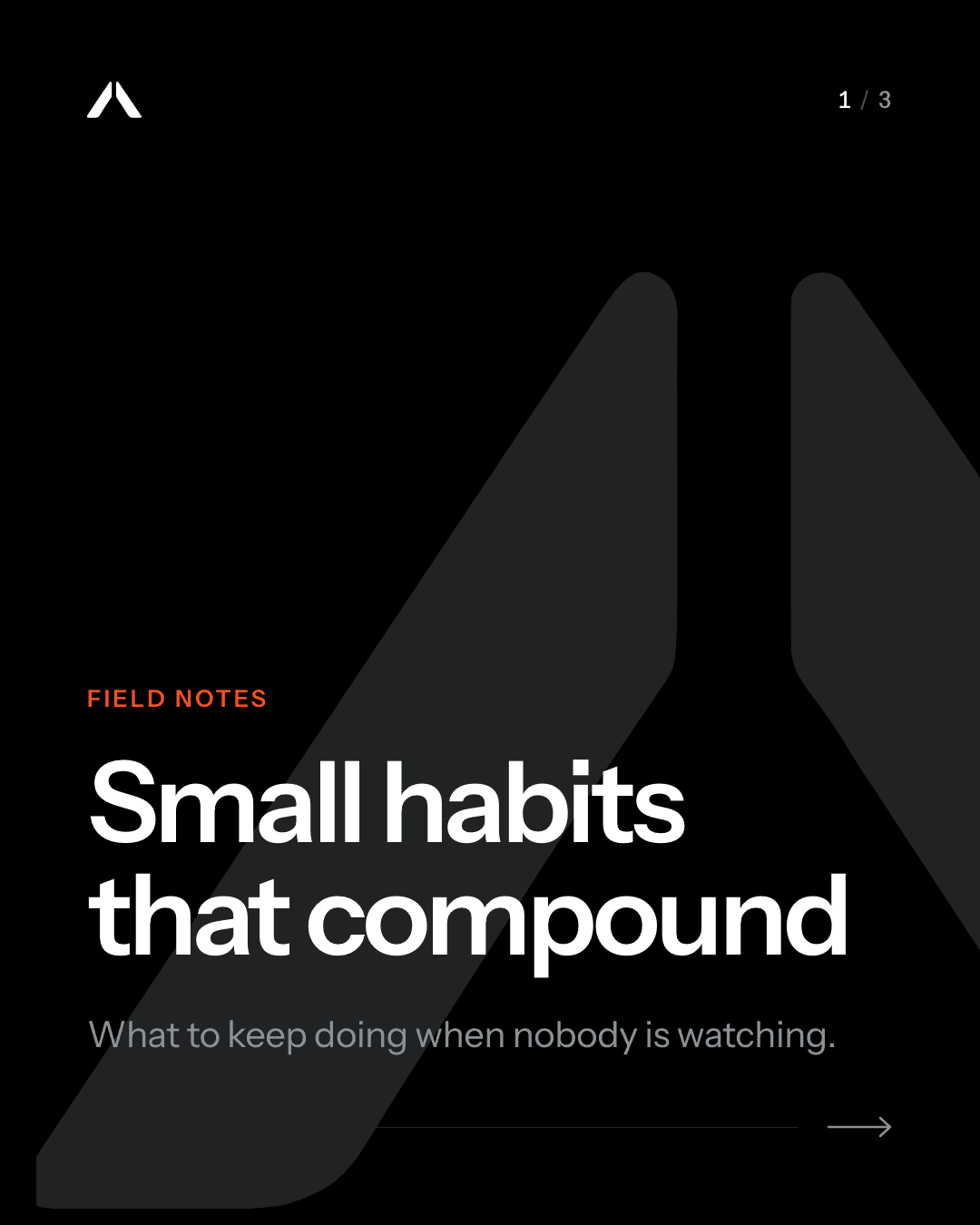
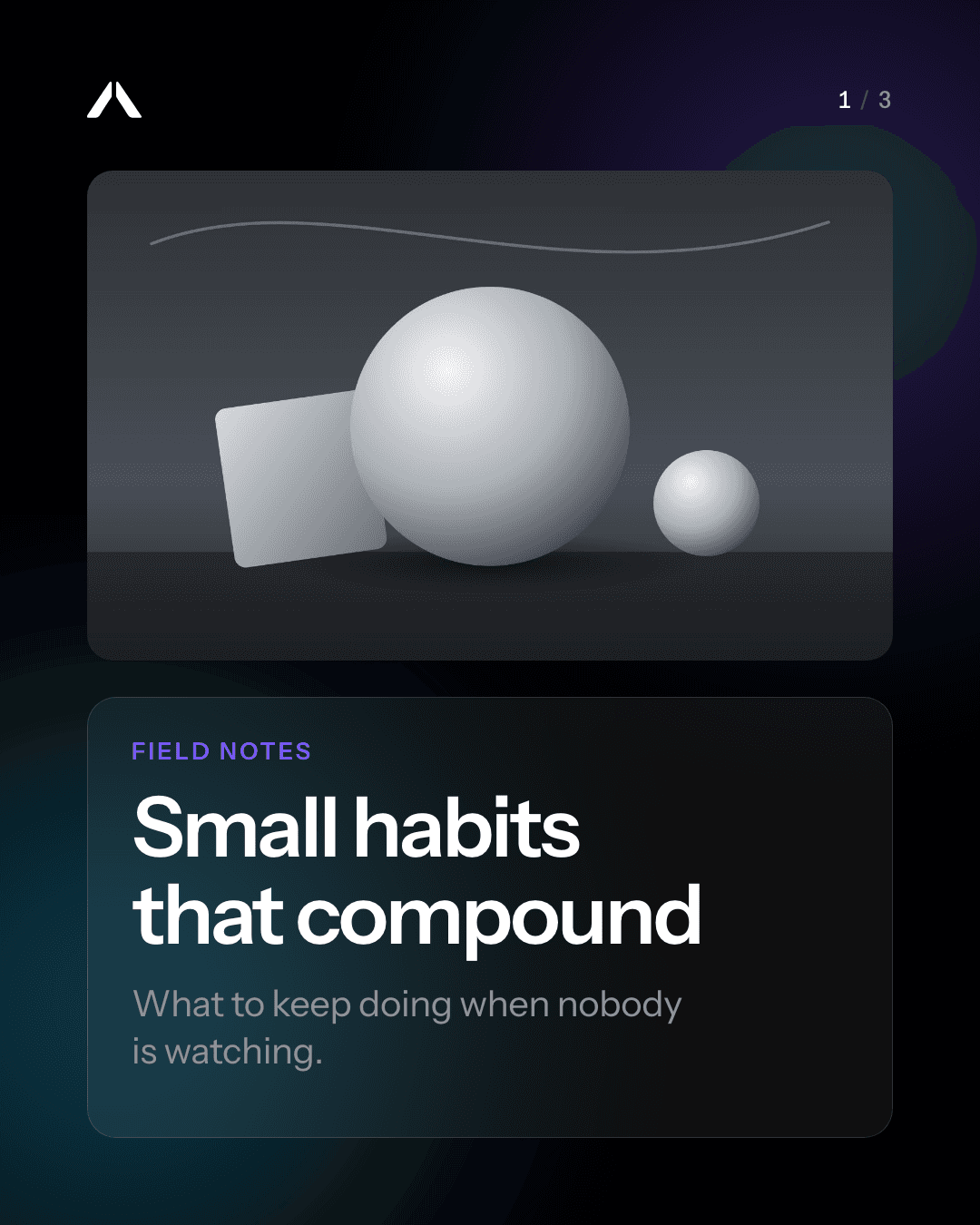
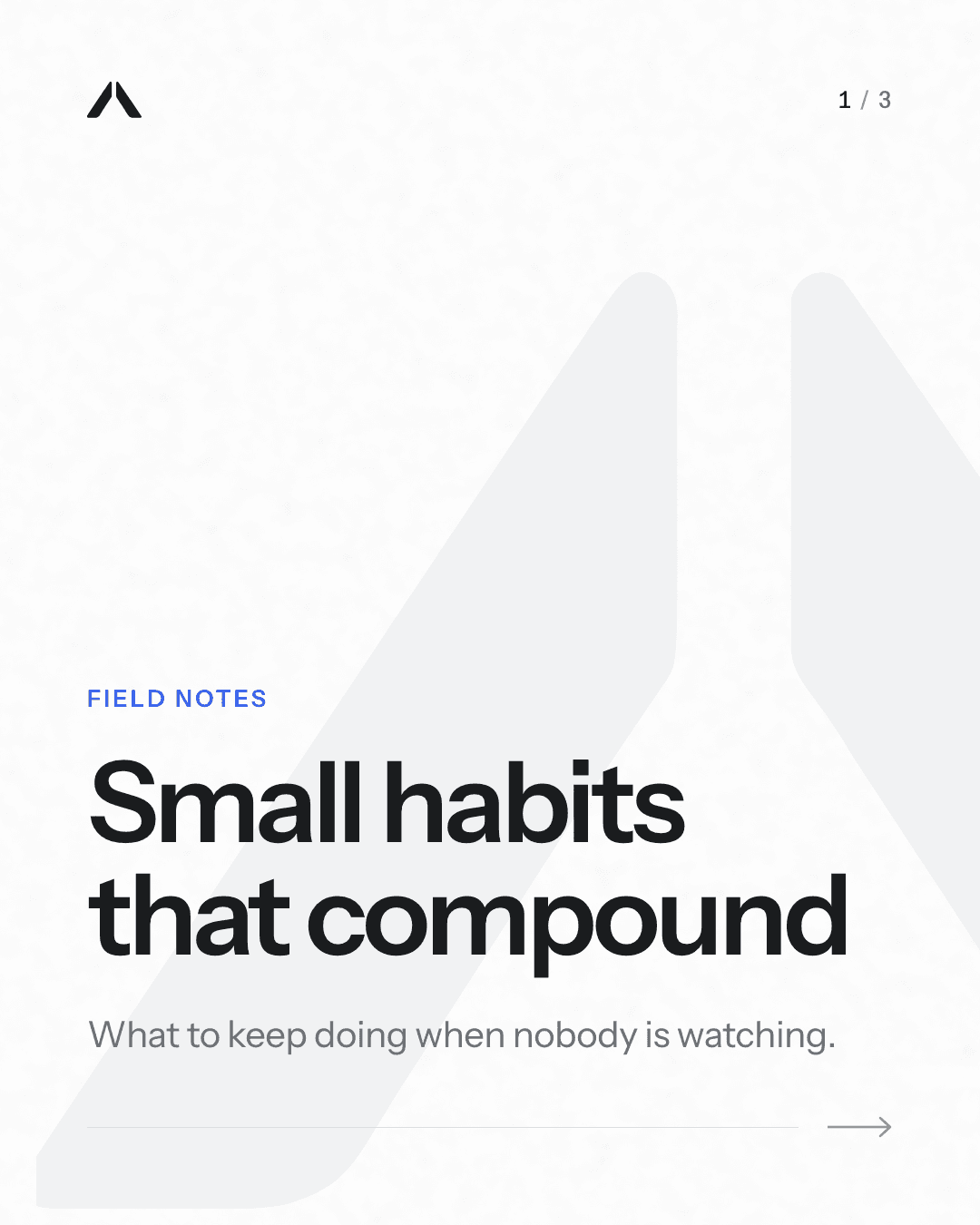
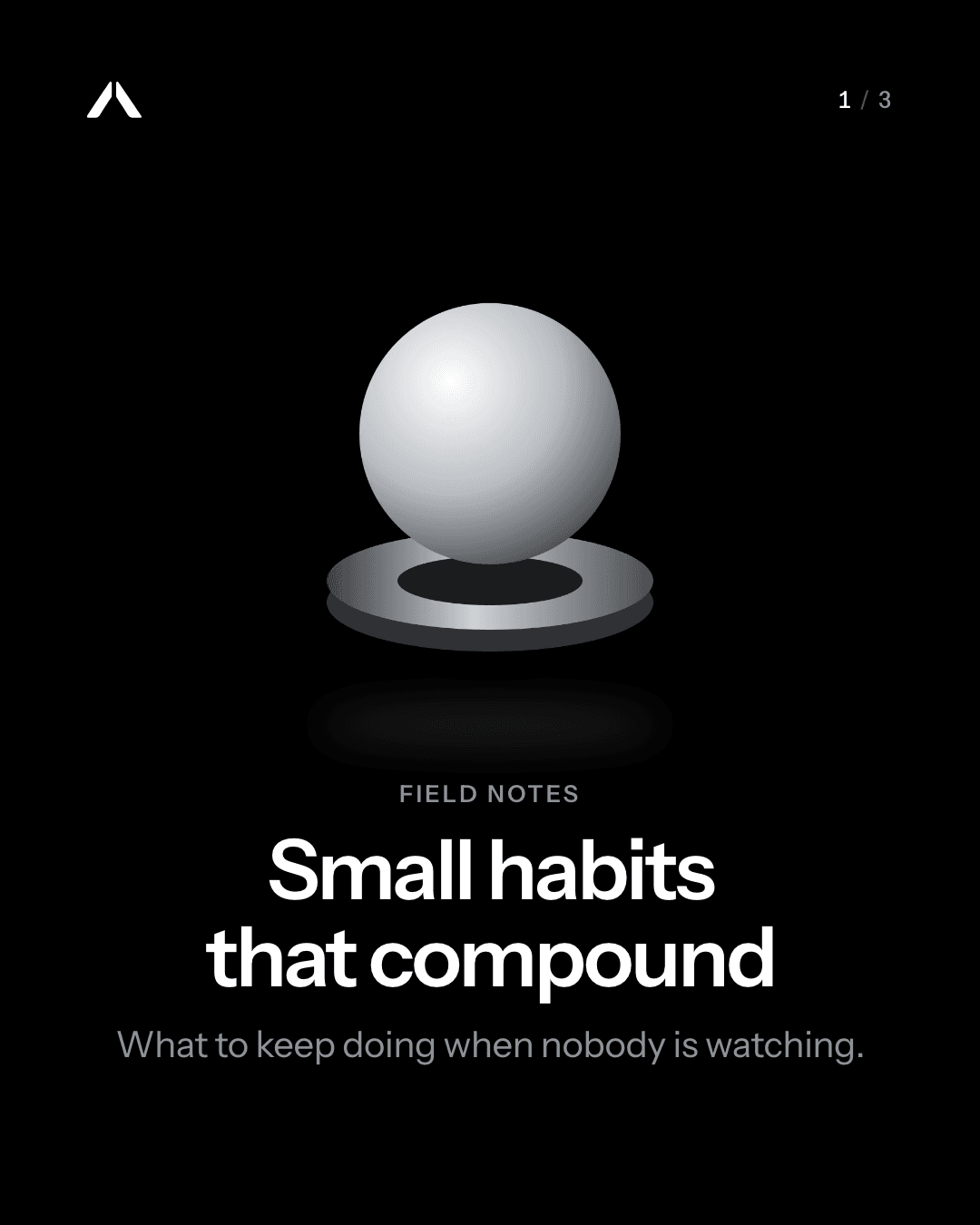
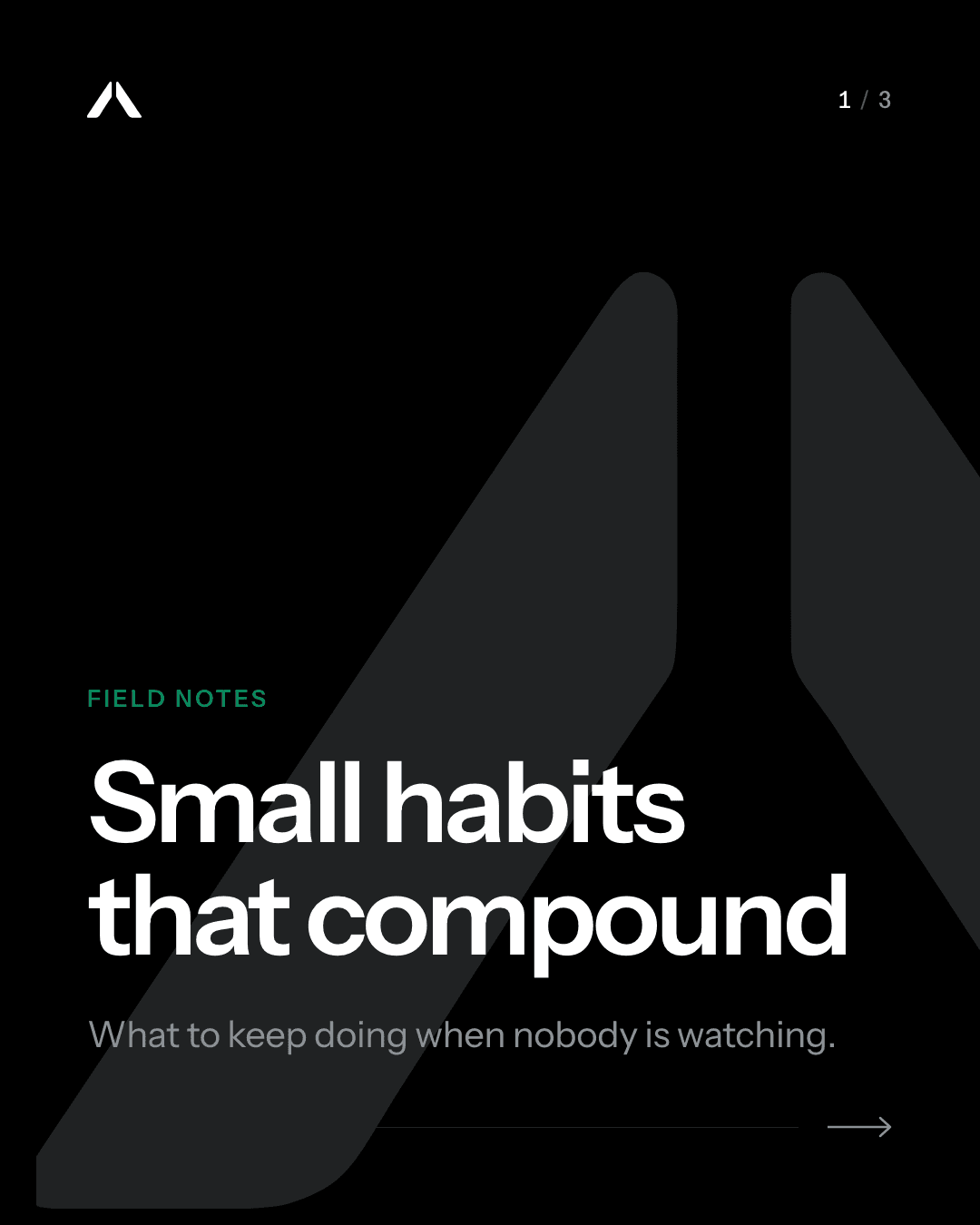
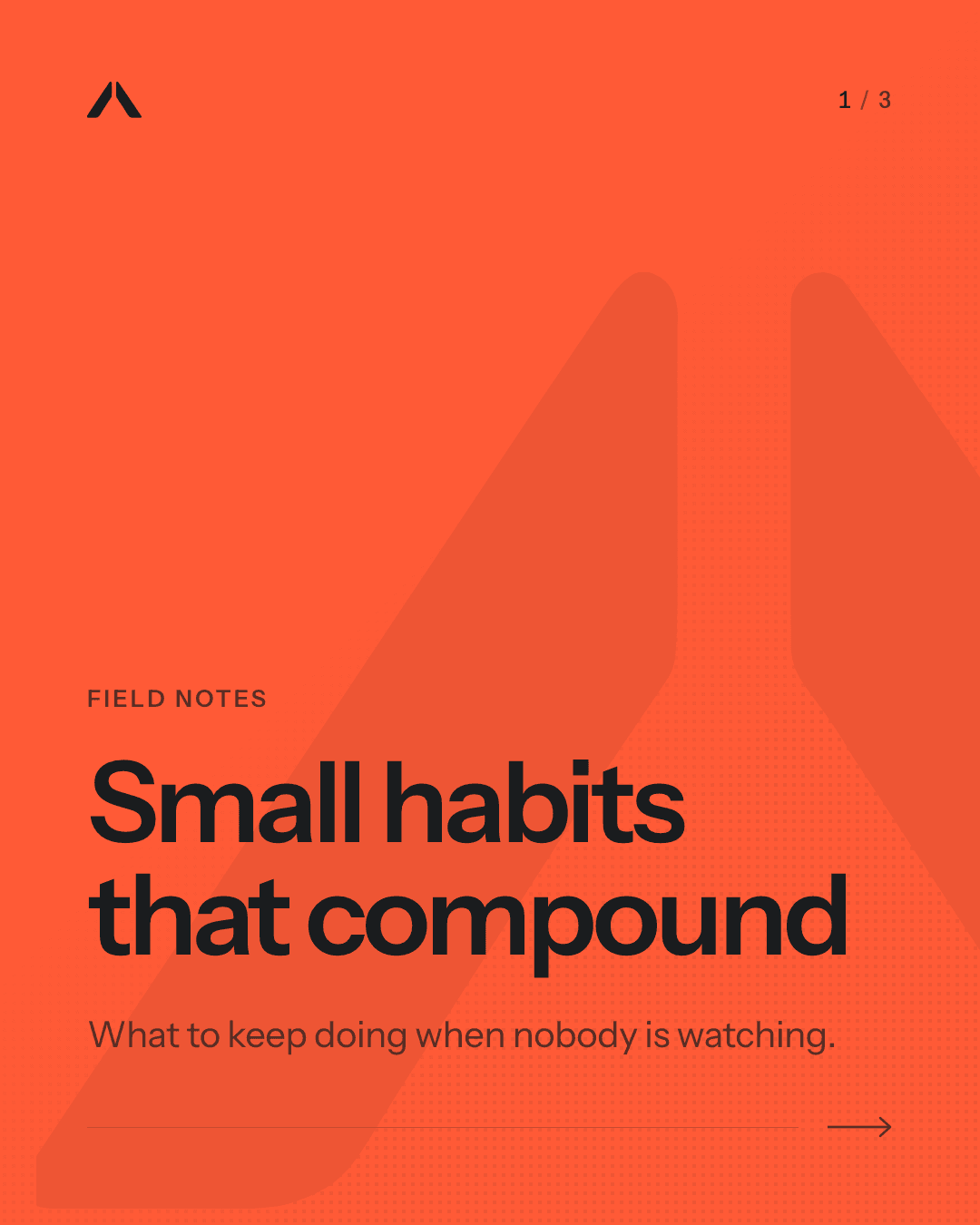
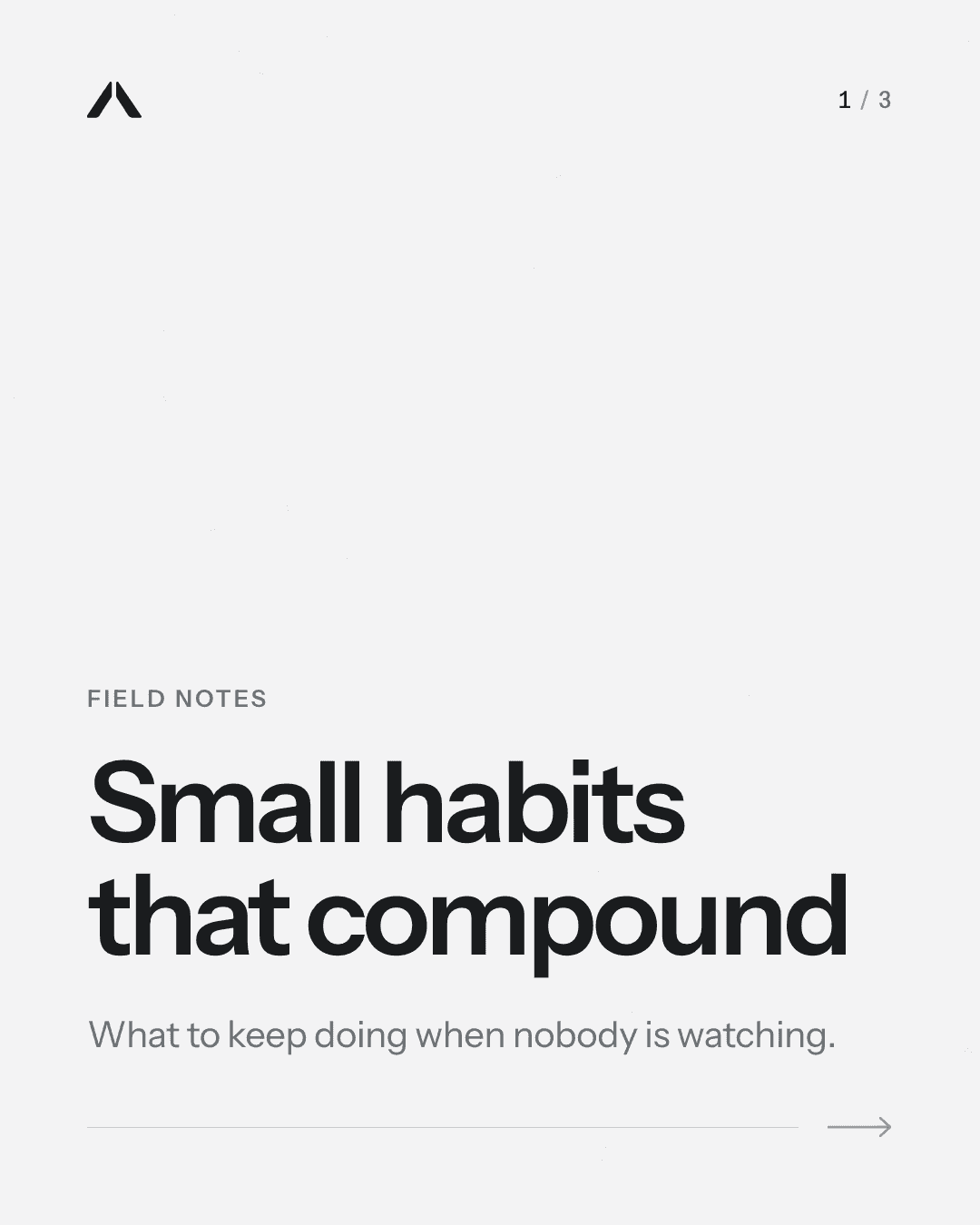
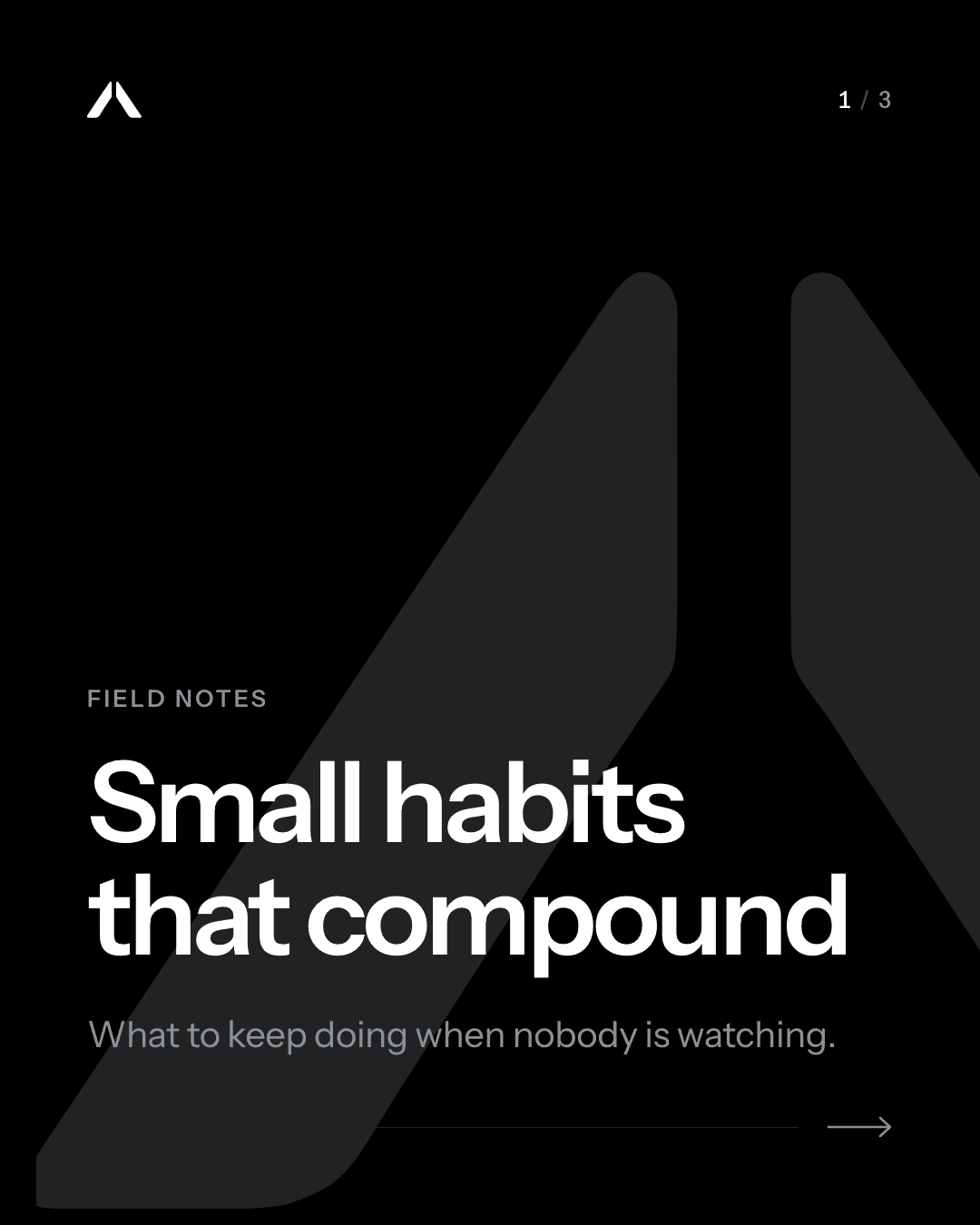
One post, eight styles
Every cover below says the same thing. Polaris picks a style that suits each topic, keeps your logo and fonts, and lets you restyle any post in one click.
Custom style
Or build your own from reference images, with a live preview.
A full design studio for every post and ad
Drag, resize and rotate anything on the page
Add text, photos, charts and stickers, animate it, then post it or download it.
- Posts, carousels, Stories, LinkedIn posts and TikTok photo posts all open here
- Reel and TikTok covers, and the look of on-screen text, are set here too
- Hundreds of fonts plus your own uploads, with shadow, outline, highlight and curved text
- Layers, rulers and snapping guides, undo and redo, and as many pages as you need
Download any design
Pick the size, up to 3×, and which pages. Several pages come as one ZIP. Business and Agency download video in 4K.
- PNG
- JPG
- Transparent PNG
- Print-ready PDF
- SVG
- PowerPoint
- MP4
- GIF
Photo editing
Filters and sliders for brightness, contrast, saturation, warmth and blur. Each AI photo tool uses 1 AI image, and the original stays in your library.
- Filters
- Adjustments
- Crop
- Duotone
- Remove background
- Erase
- Edit with AI
- Expand
- Grab
- Upscale 2× or 4×
- Photo grids
AI in the editor
Describe a design and get 3 options in your brand, with generated images and copy written from your knowledge base. On every plan, from your monthly AI limits.
- Generate an image
- Rewrite text
- Translate a whole design
- Write in your brand voice
- Design for me
- Animate
- Alt text suggestions
Charts, tables, QR codes and more
Type or paste chart data, or use your own stats from Insights. A QR code can use a tracked short link, so scans are counted.
- Charts
- Tables
- QR codes
- Drawing
- Connectors
- Emoji
- Device mockups
- Gradient presets
Small things that save time
Set any size from 32 to 8192 px, in px, inches, mm or cm. Copy one element's style onto another. Change a word on every page at once. Tidy up evens out the spacing between scattered elements.
- Rulers and guides
- Custom sizes
- Copy style
- Find and replace
- Tidy up
- Page titles and notes
- Smooth zoom
- Page grid
Every design in one place
The Designs page holds everything you've made, with real previews. Search, open, duplicate, rename or download, and sort designs and media into folders.
- Drafts
- Post designs
- Ad versions
- Reel covers
- Animated
- Folders
- Stars
Motion
Press Animate and the design moves
Each element gets an entrance that suits it: the headline rises, the price pops, the button lands last. Change any of them, then post the design as a Reel or TikTok video.
- One-click Animate, or pick an animation for each element
- Entrance and exit animations, and transitions between pages
- Video clips, GIFs and music, with trim, loop, volume and fades
- A timeline for page lengths, transitions and timing
- Post it as an Instagram Reel, a TikTok video or a LinkedIn video, or download MP4 or GIF
Templates that arrive in your brand
More than 1,500 templates for posts, ads, video, decks, print and merch, each recoloured with your colours, fonts and logo the moment you open it. Save any design as a template for your team. New templates are added for everyone regularly.
Resize to every format
Turn any design into Feed 4:5, Story 9:16, Square 1:1 and Link 1.91:1 in one step, with the text and images rearranged for each shape. Or type your own size.
One Create button
Pick what you’re making, then how to start: have it written for you, pick a template, start from a link or document, or open a blank page.
Photos from anywhere
Use your media library, your product photos, or stock photos and GIFs from Unsplash, Pexels and GIPHY. The credit is saved with the image. Paste an image or drop a file straight onto the page.
Cut-outs and AI photo tools
Remove the background from a product photo in one click. Erase takes things out, Edit with AI paints in something new and Expand widens the frame. The original stays in your library.
New in the design studio
Every size you design for, from Instagram posts to T-shirts
More than 120 design types at their exact sizes, over 1,500 templates you can filter by occasion, industry and style, text you can style word by word, and downloads ready for the printer. Everything here is on every plan unless it says otherwise.
120+ design types, each at its exact size
Posts, Stories, covers, banners, profile pictures and ads for Instagram, Facebook, LinkedIn, Pinterest, TikTok, X, WhatsApp and YouTube. Video in landscape, vertical and square, and presentations in 16:9 or 4:3. Print, from business cards and flyers to posters, roll-up banners, menus, invitations and certificates. Merch such as T-shirts, hoodies, totes, mugs and mailer boxes shows a mockup of the product as you design. Search by name or by size, or set your own size in px, inches, mm or cm.
1,500+ templates, filtered by occasion, industry and style
Narrow the library to an occasion such as Black Friday or a wedding, an industry such as real estate or cafés, and a style such as minimal or vintage. The Upcoming row puts the next few occasions first, so the Christmas post is ready before December. Every template is original. Use it in its own colours and fonts, or switch it to your brand’s colours, fonts and logo in one click.
Style any word
Select a single word and give it its own font, size or colour. Make it bold, italic, underlined or struck through, or turn it into a link. When a headline needs more weight, pick a text style: Lift, Echo, Splice, Glitch or Neon.
Work on designs together
Comment right on the design and @mention a teammate to bring them in. Every design keeps its version history, so you can open an earlier version and restore it. Press Present to show any design full screen.
- Comments and @mentions on any design
- Version history, with restore
- View links, template links and embeds
- Present mode for full-screen slideshows
- Folders and stars for designs and media
Ready for the printer
Download a print-ready PDF with bleed and crop marks, or an SVG, a PowerPoint file, PNG, JPG, PDF, MP4 or GIF. Business and Agency download video in 4K.
Separate tracks for music, voice and effects
Each sound gets its own track. Trim and split clips, record a voiceover, and line your page changes up with the beat of the music.
Editor upgrades
Paste an image or drop a file straight onto the page, then crop it with handles. Text boxes grow as you type, and smooth zoom with a hand tool makes big pages easy to move around.
- Paste and drop images
- Crop with handles
- Drop shadows
- Blend modes
- Radial gradients
- Duotone
- Groups inside groups
- Tidy up
- Auto-growing text
- Page titles and notes
- Smooth zoom
- Hand tool
Brand kits and brand controls
Keep a kit for each look: 1 on Pro, 3 on Business and 25 on Agency. On Business and Agency, brand controls keep editors to your brand colours and fonts. Template locks, on every plan, hold the parts of a template that shouldn't move.
- Pro: 1 kit
- Business: 3 kits
- Agency: 25 kits
- Brand controls
- Template locks
Bulk create
Make many designs at once from one design and a spreadsheet. Paste rows, upload a CSV or link a Google Sheet, connect each column to a name, price or photo, and preview the first rows before anything is made.
- Business: 100 per run
- Agency: 1,000 per run
- CSV or Google Sheet
- Drafts or a ZIP
More AI tools
Translate a whole design into another language. Design for me now comes back with generated images. Animate adds motion for you, and background removal cuts out a photo in one click.
- Translate a design
- Design for me
- Generated images
- Animate
- Remove background
Docs, sites and email
Docs, whiteboards, websites and emails
Four more apps start from the same Create button as your designs, on every plan: Docs, Whiteboard, Websites and Link in Bio, and Email.
Can I design posts myself?
Yes. Posts, carousels, Stories, LinkedIn posts and TikTok photo posts all open in the design studio, and so do Reel and TikTok covers and the style of their on-screen text. You can drag, resize and rotate anything, add text, shapes, photos, charts, QR codes and stickers, and use layers, rulers, snapping guides, undo and redo. What you see in the editor is exactly what gets published.
Do I get ready-made templates?
Yes. There are more than 1,500 original templates for social posts, ads, video, presentations, print and merch. Each one recolours itself with your brand's colours, fonts and logo, or you can keep its original colours and fonts with one click. Filter them by occasion, industry and style, and the Upcoming row shows templates for the next few occasions.
What sizes and formats can I design?
More than 120 design types, each at its exact size. That covers posts, Stories, covers, banners, profile pictures and ads for Instagram, Facebook, LinkedIn, Pinterest, TikTok, X, WhatsApp and YouTube; landscape, vertical and square video; presentations in 16:9 and 4:3; print such as posters, flyers, business cards and menus; and merch such as T-shirts, totes and mugs, which show a mockup of the product as you design. You can also set a custom size in px, inches, mm or cm.
What can I download from the design studio?
Any design, as a PNG, a JPG, a PNG with a transparent background, a PDF with selectable text, a print-ready PDF with bleed and crop marks, an SVG, a PowerPoint file, an MP4 or a GIF. Choose 1×, 2× or 3× size, and several pages come as one ZIP. Business and Agency can download video in 4K.
Start this week
Your next week of posts, ready by Friday.
Point Polaris Studio at your website today. It drafts the week in your colours and voice, and nothing goes out until you approve it.
Card required · nothing charged for 7 days · cancel anytime