AI content studio for Instagram, LinkedIn & TikTok
On-brand posts, written from what you know.
Polaris Studio reads your website and docs, then writes a week of Instagram, LinkedIn and TikTok posts in your colours, fonts and voice. Carousels, Reels with voiceover, Stories. You approve every one before it goes out.
Card required · nothing charged for 7 days · cancel anytime
One post · 8 stylesSwipe
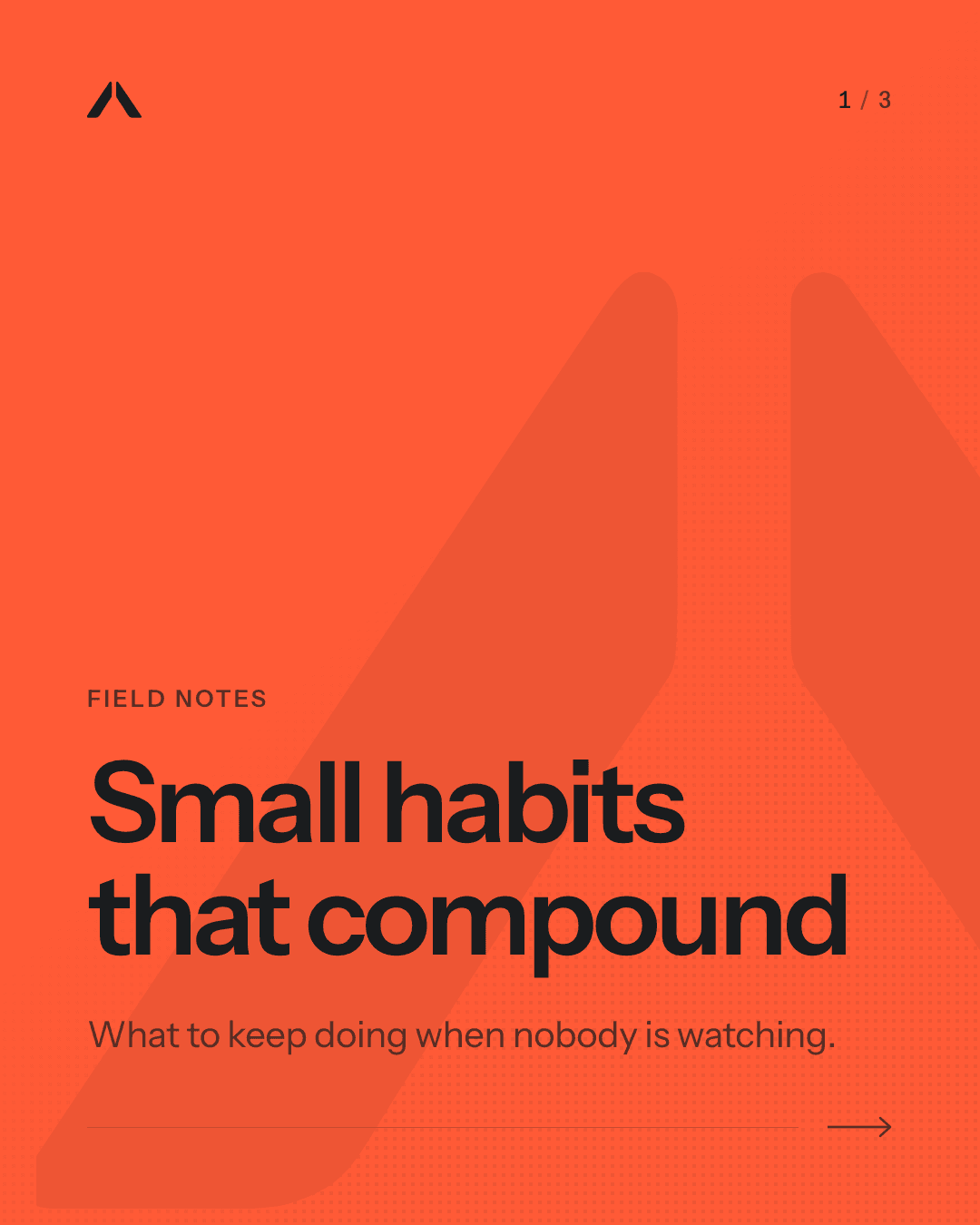
Retro Print1/8
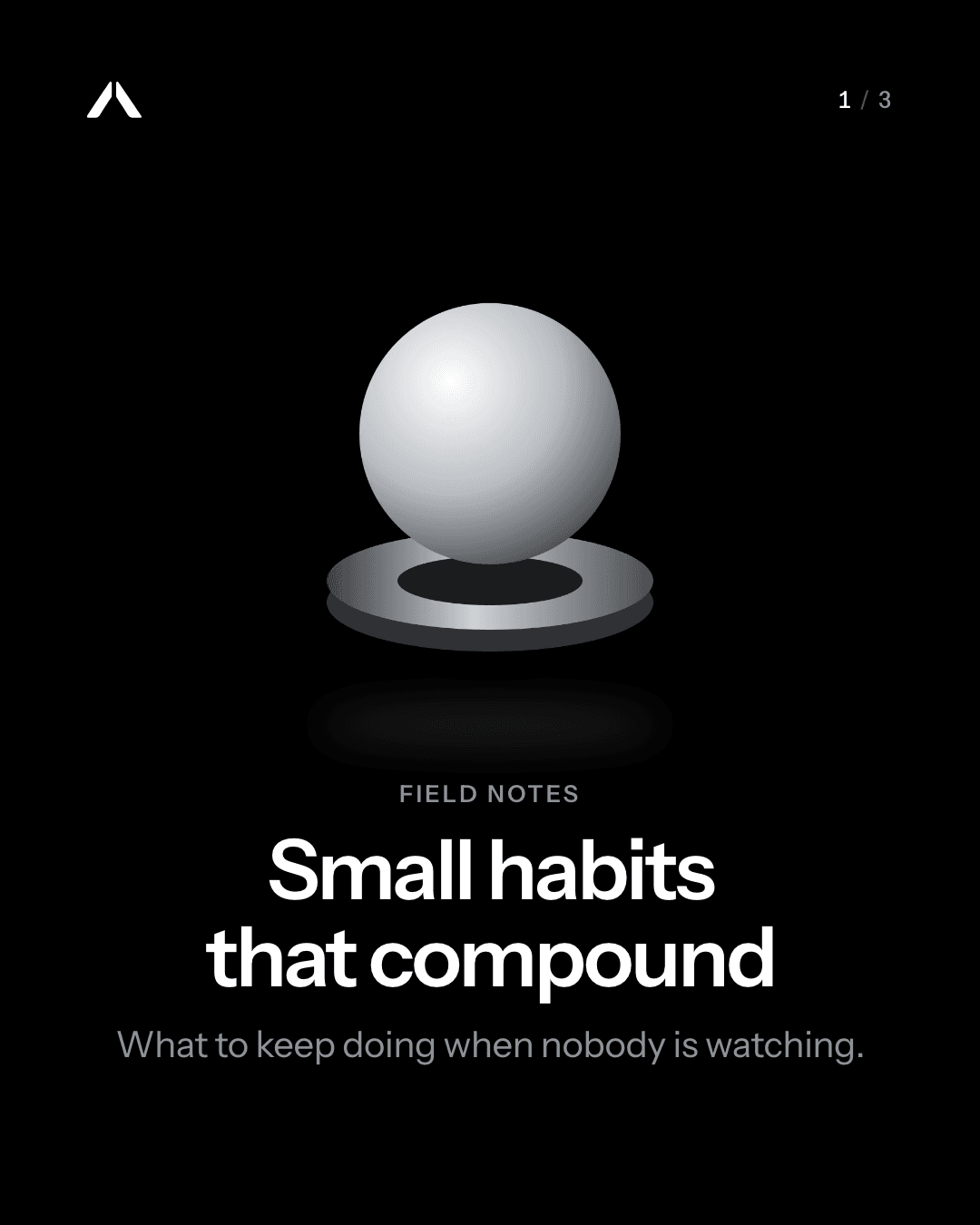
Object 3D2/8
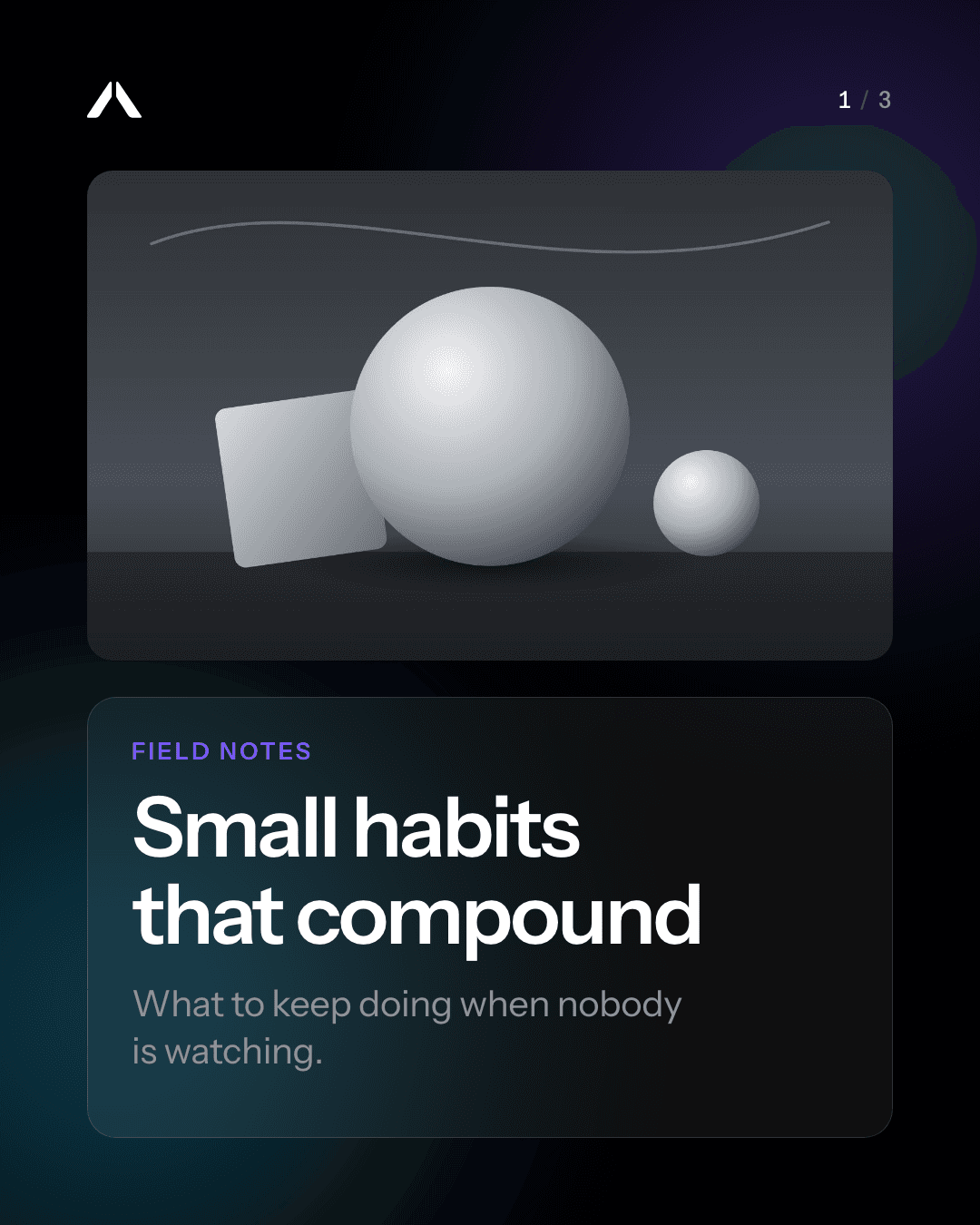
Glass Gradient3/8
Bold Editorial4/8
Data Story5/8
Hand-drawn Sketch6/8
Paper Collage7/8
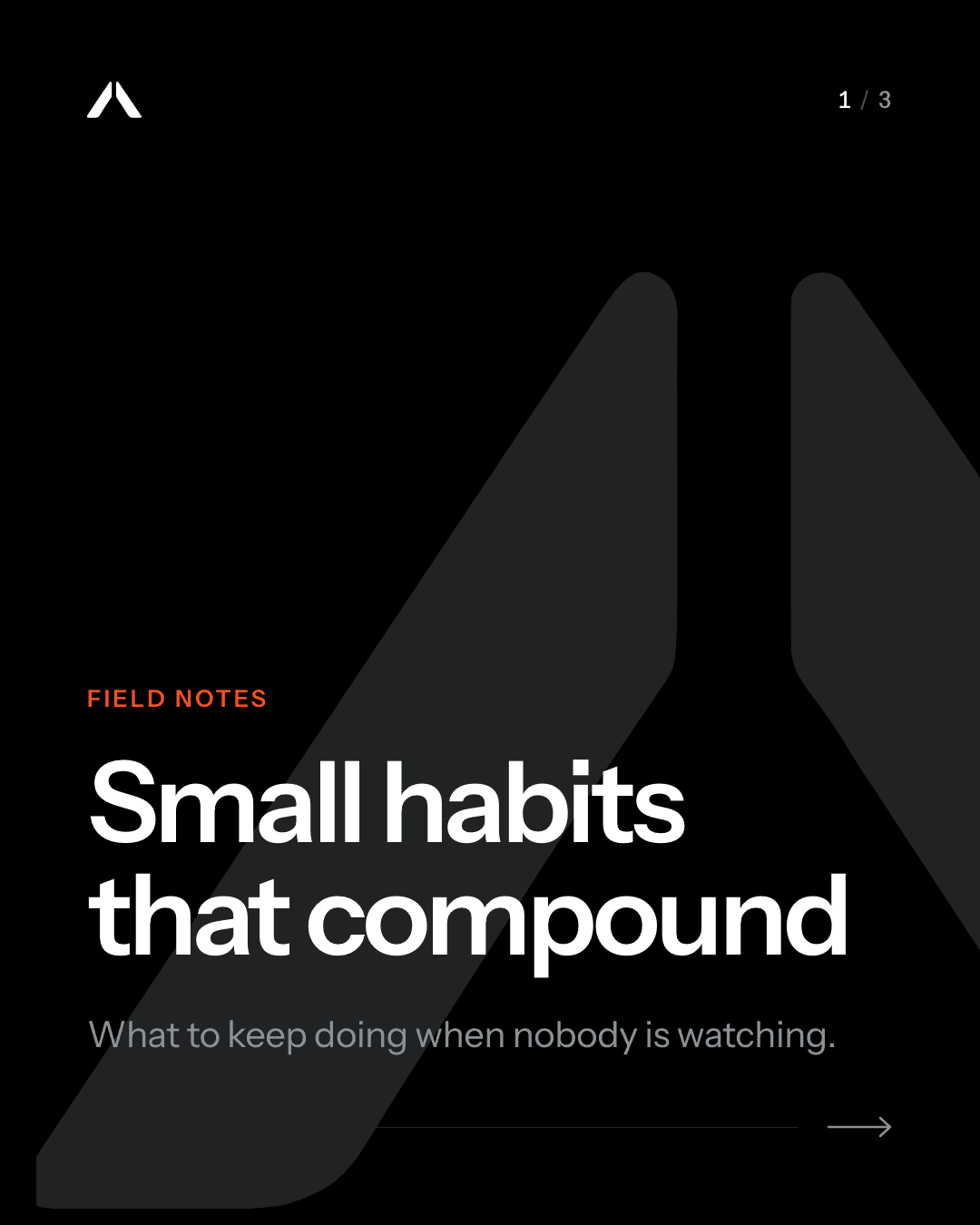
Minimal Mono8/8
Approved by Maya· Tue 9:00Voiceover· word-synced captions
Reel
0:18
YOUR BRAND8 STYLES
Approved by MayaTue 9:00 ·Instagram+LinkedIn
Real renders · one post, many styles
Publishes to
Instagram
LinkedIn
TikTok
8 creative styles
Drag-and-drop design studio
Voiceover + captions
Ads from any product
Nothing posts without approval
How it works
From your website to a scheduled week, in four steps
Paste your website and a sample week is ready in minutes. After that, your part is reading drafts and approving the ones you like.
01
Teach it your business
Point it at your website, a GitHub repo or your docs. It builds a knowledge base, a list of claims it may make and the words it must never use, and you review every change before it counts.
Knowledge base
Reviewed
Sources
northboundcoffee.com · 24 pages
About, Shop, Origins, Wholesale
Read
Wholesale-guide.pdf
11 pages · uploaded Nov 12
Read
github.com/northbound/site
main · content/origins changed
3 changes
41 facts found · 18 claims kept
Claims it can make
Roasted within 48 hours of shipping
Direct trade with 6 farms
Free shipping over $40
+ 15 more
Never say
cheapestguaranteedbest in the world
Checked in every caption, slide and voiceover script.
3 changes waiting for your reviewReview
02
Bring in your brand
Paste a URL and it drafts your logo, colours, fonts and voice. Tick the sections you want, apply them, and fix anything that looks off.
Import from website
Ready to review
https://northboundcoffee.comImport
Read 9 pages and 3 stylesheets in 2 min 40 s
Brand kitApply
Northbound Coffee · logo.svg
SVG · 240×240 · from site header
Aa
Fraunces
ColoursApply
Ember
Crema
Spruce
Roast
Kraft
Text and accent pass WCAG contrast
VoiceApply
warmplain-spokena little nerdy
FactsApply
Roasted within 48 hours of shipping
+ 11 more, each linked to its page
3 of 4 sections tickedApply selected
03
Generate a week, or nine
Pick a focus for the week. We write carousels, Reels, Stories, LinkedIn and TikTok posts, and match each one to a creative style.
Week of Nov 23
Focus: holiday gift sets
Mon
23
Carousel
Three gift sets for three kinds of coffee person
Paper collage
LinkedIn doc
Client gifting: how our 25-box orders work
Minimal mono
Tue
24
Story
Order by Dec 14 for delivery before the 25th
Glass gradient
Draft readyCarousel
The Explorer set: 3 origins, 1 tasting card
Bold editorial
Wed
25
Reel
Green bean to gift box, in four cuts
Object 3D
TikTok
Ranking our sets by how nerdy your uncle is
Hand-drawn
Thu
26
Thanksgiving
Story
Roastery closed today. Back Friday at 7 am
Minimal mono
Fri
27
Black Friday
Carousel
20% off every gift set, no code needed
Retro print
Reel
Packing 300 boxes before noon
Bold editorial
Sat
28
Small Biz Sat
Story
Free cupping at the roastery bar, 10 to 2
Paper collage
Sun
29
LinkedIn doc
What shipping 1,200 boxes last December taught us
Data story
11 posts across Instagram, LinkedIn and TikTok1 draft ready
04
Approve, then it publishes
Nothing is scheduled until an owner or admin approves it. Open a draft in the design studio to change anything, regenerate it with a short note, or skip it.
Waiting for approval
2 of 11
Tue 24 Nov · 12:30
The Explorer set · Carousel, 6 slides
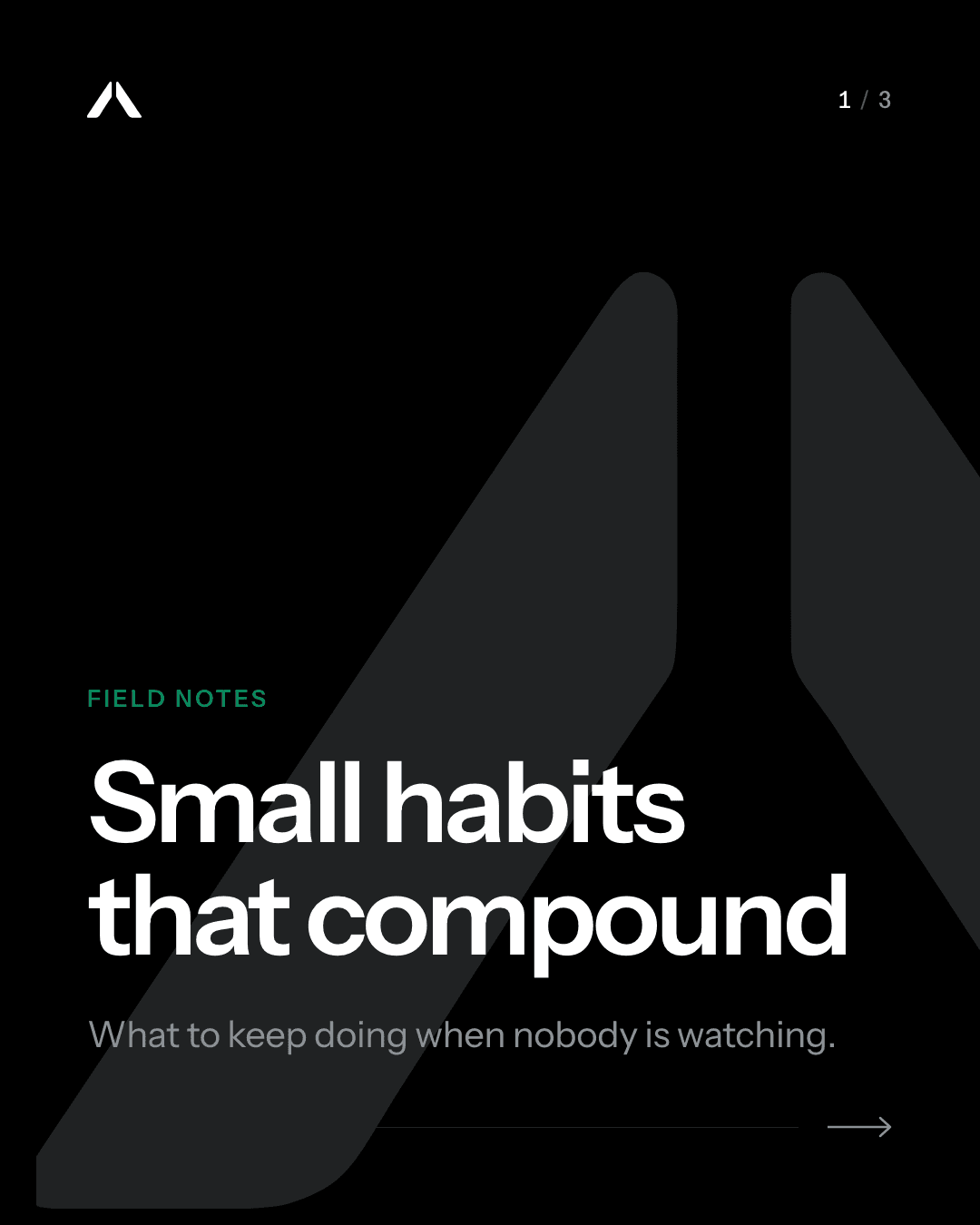
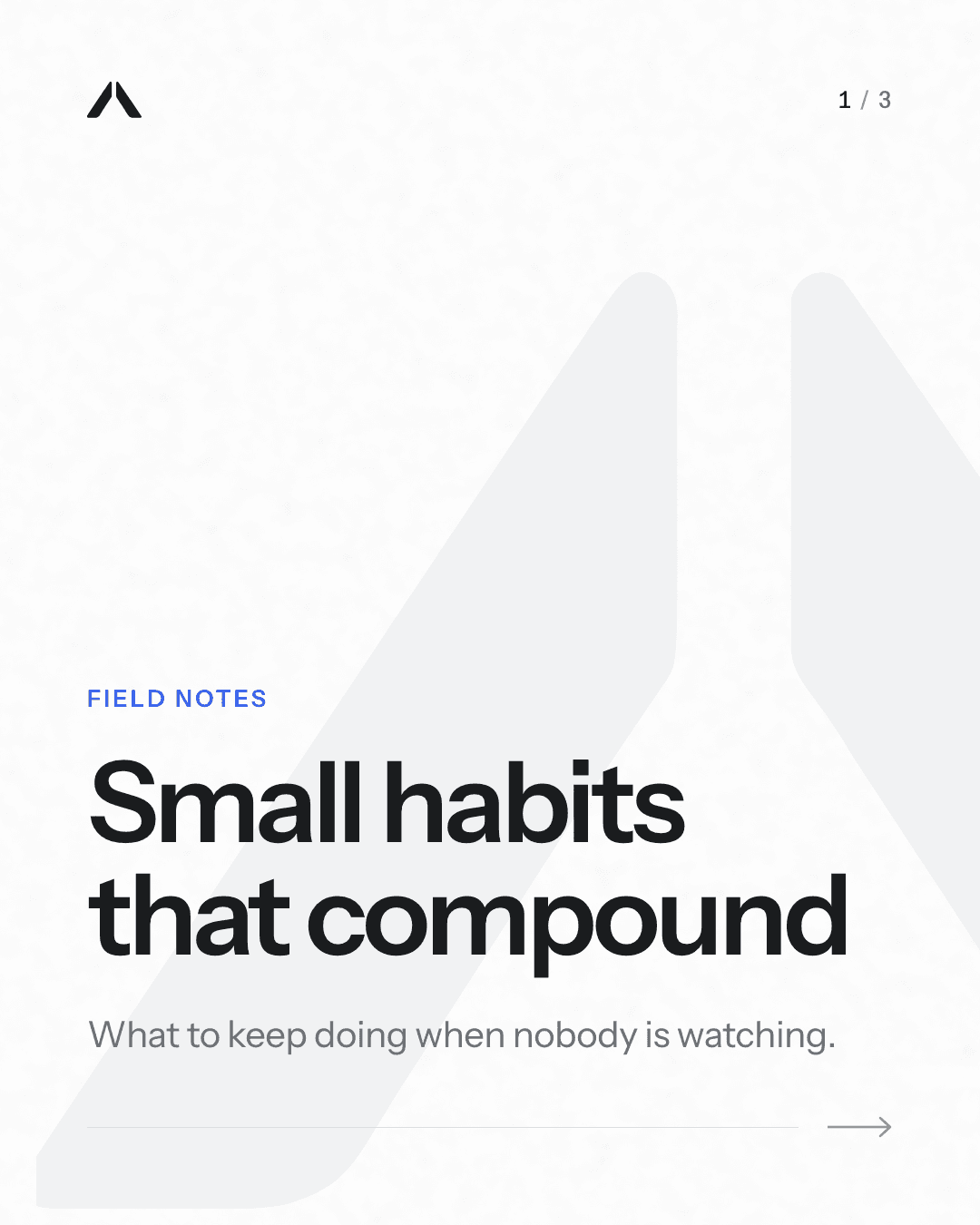
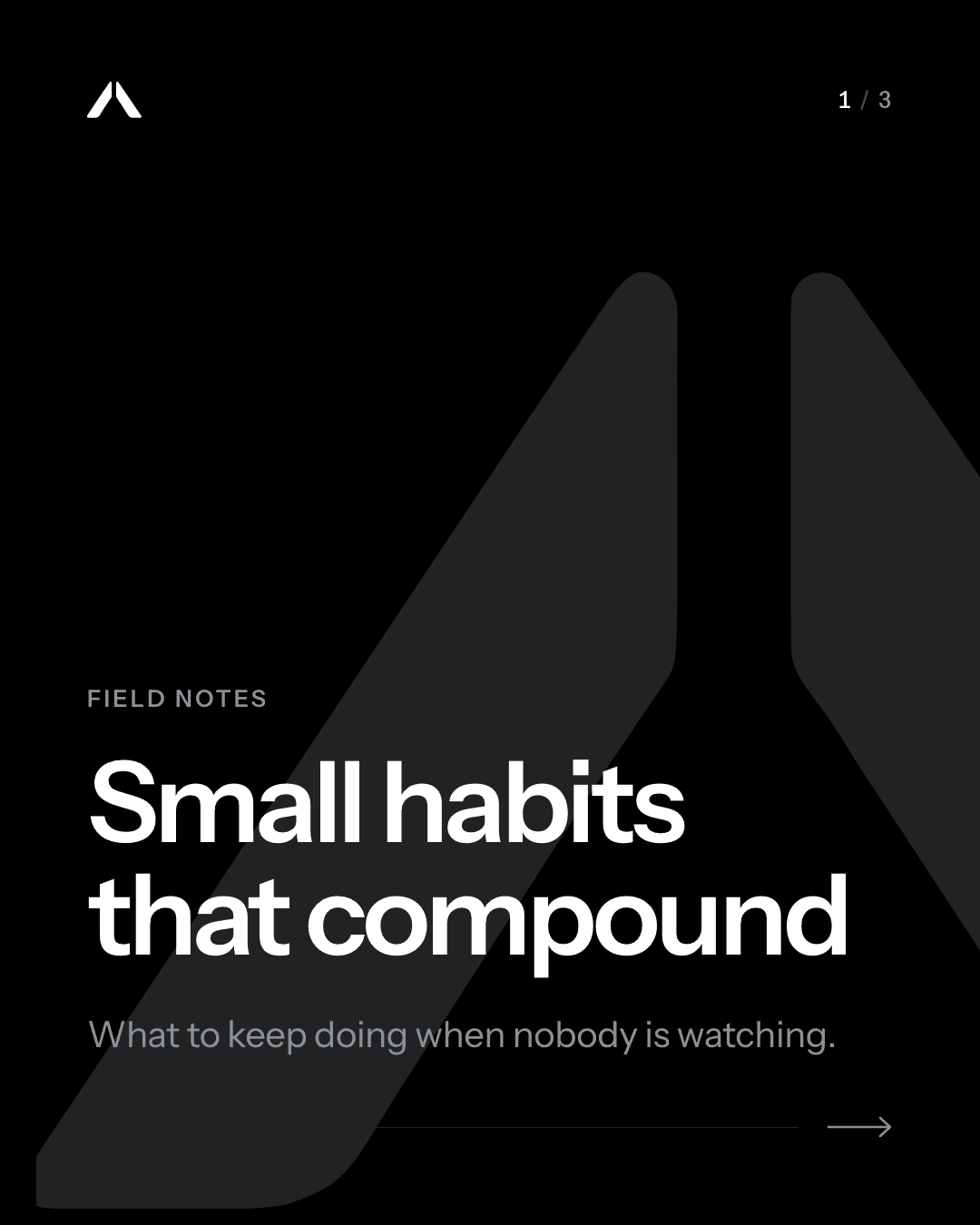
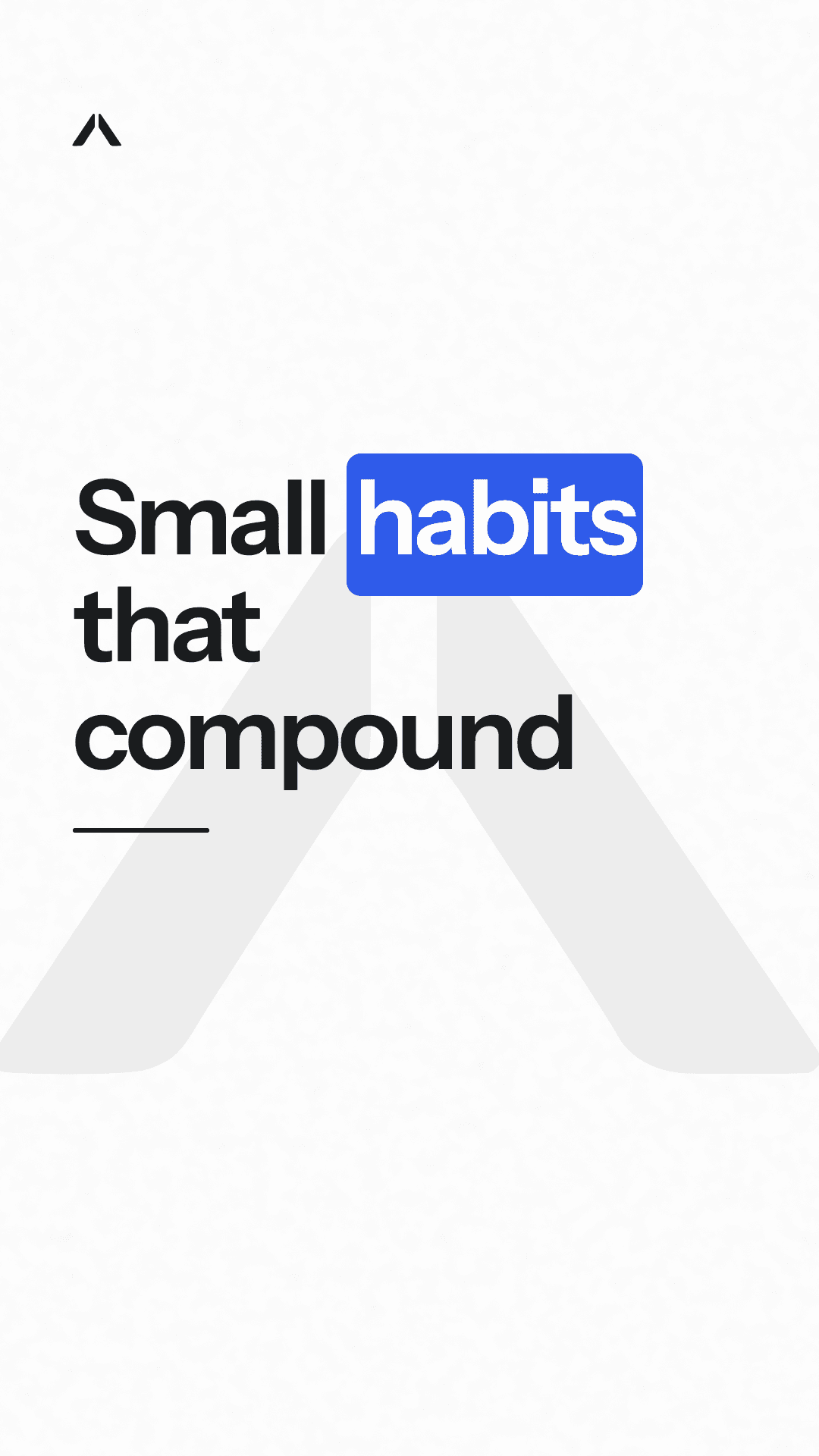
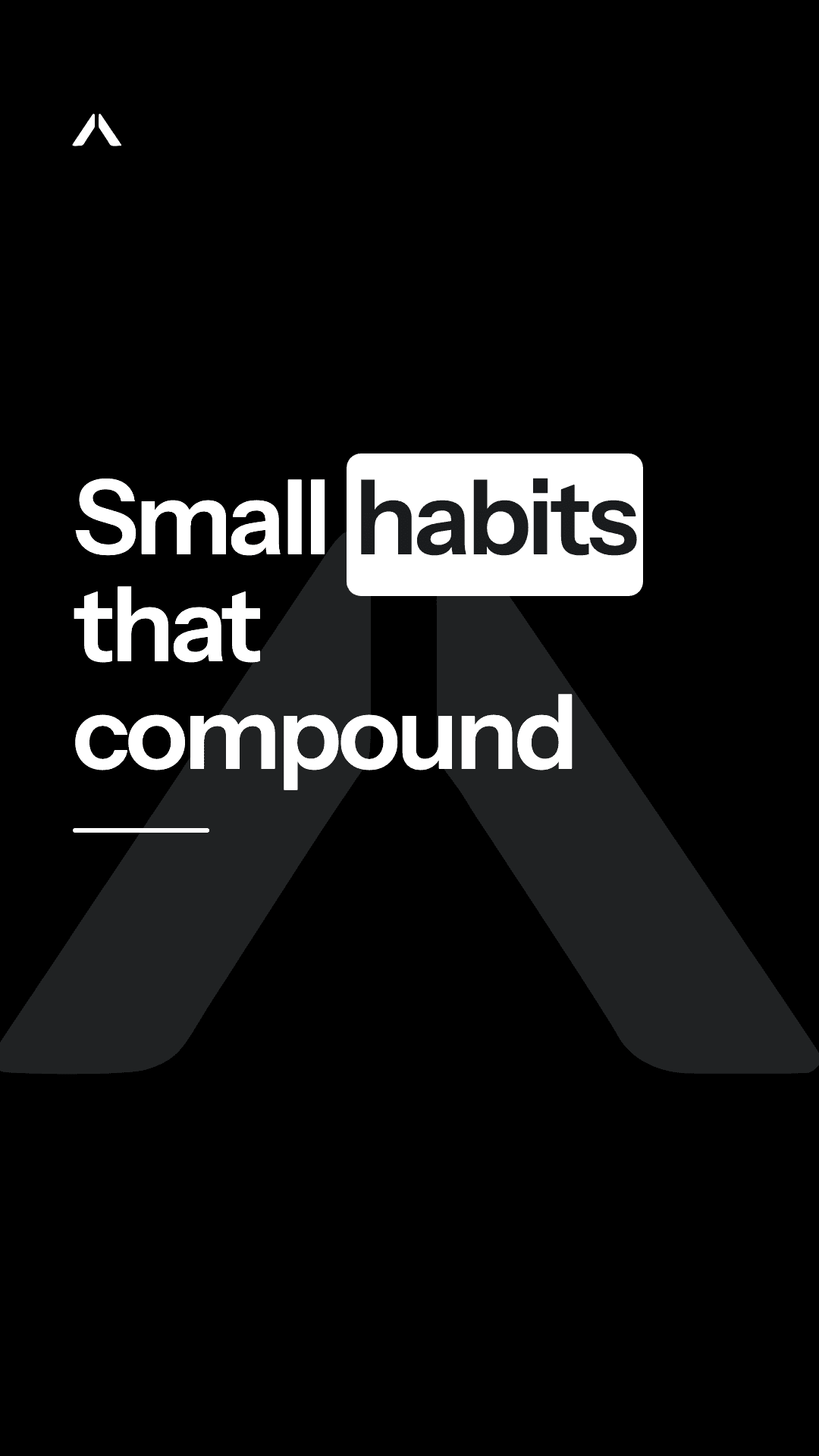
Small habits that compound. One good cup each morning, three single origins from farms we buy from directly, and a tasting card so you notice the difference by week two. Roasted within 48 hours of shipping.
Bold editorial2 claims checked
Make it shorter, mention the Ethiopia lot
EditRegenerate with a noteApprove
Already approvedStory · Order by Dec 14
Drafted
Mon 4:12 pm
Approved by Maya
Mon 5:40 pm
Scheduled Tue 9:00
Instagram
Published
Waiting
Guardrails
What it won't do
Built so a busy owner can trust what goes out under their name.
Direct trade with 6 farms
It won't make things up
Posts only state claims from the list you approved.
cheapestguaranteedbest in the world
3 blocked · checked before review
It won't use your banned words
Your denylist is checked before you ever see a draft.
Auto-approve
Post · Tue 12:30MRWaiting
Reply · @jess.brewsMRWaiting
It won't post without your say-so
Posts wait for a person unless you turn on auto-approve. Replies and ad launches always do.
voiceover failed · Reel posted 9:00
It won't stall on a glitch
If a voiceover fails, the post still goes out without it.
Creative styles
One post, eight styles
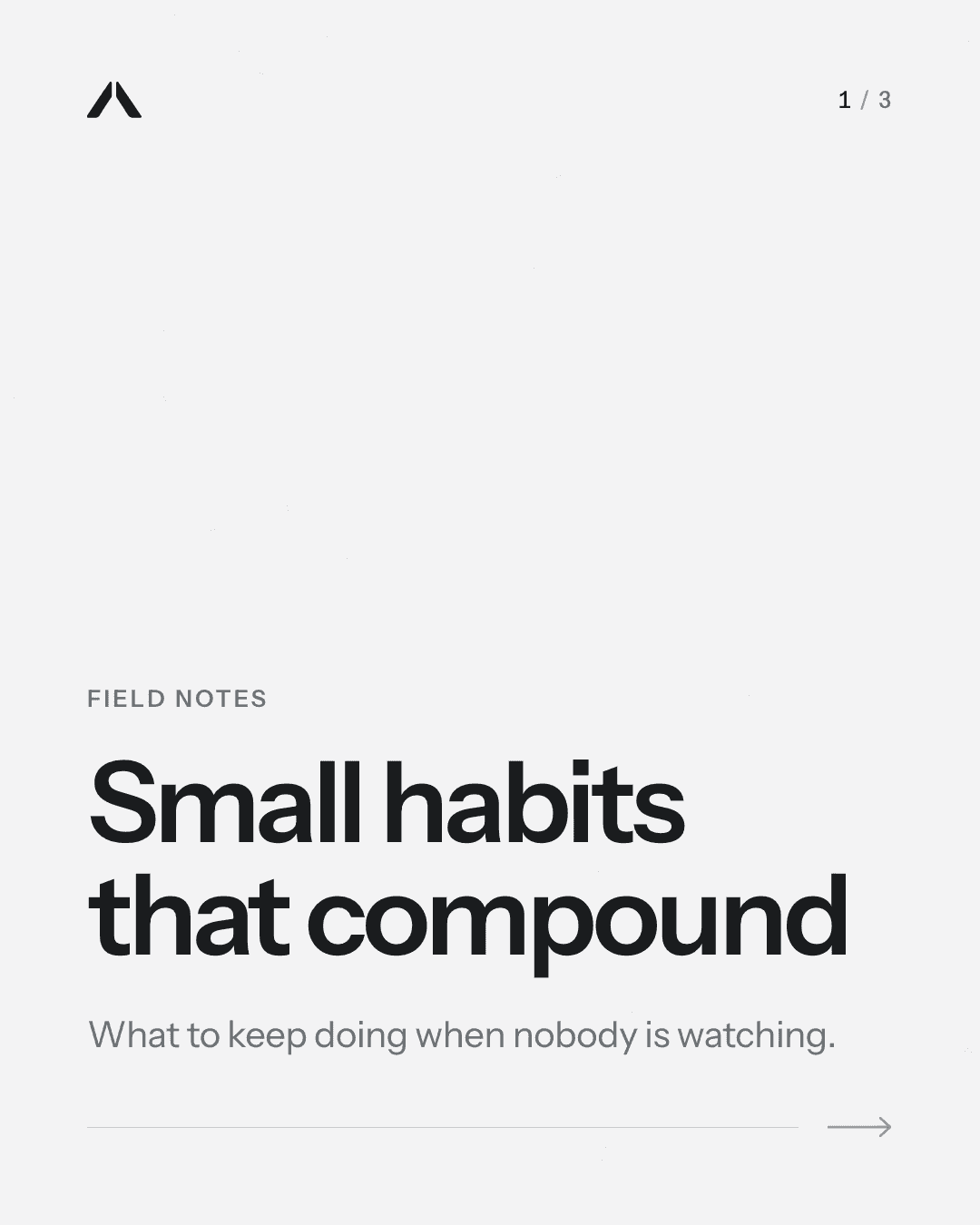
Every cover below says the same thing. Polaris picks a style that suits each topic, keeps your logo and fonts, and lets you restyle any post in one click.
Bold EditorialMagazine-cover energy: huge type, one signal colour.
Glass GradientFrosted glass over soft coloured light. Calm and technical.
Hand-drawn SketchFriendly ink sketches on paper, with explainer energy.
3D ObjectOne sculptural object per idea, lit like a product shot.
Data StoryBig figures and clean charts drawn from your own facts.
Retro PrintRisograph two-colour print, halftones, a little misregistration.
Paper CollageCut-paper shapes, torn edges and layered textures.
Minimal MonoMonochrome, oversized type, no images.
Custom style
Or build your own from reference images, with a live preview.
3 reference images
Your style
Design studio
A full design studio for every post and ad
Drafts arrive already designed. When you want to change one, open it in the studio: drag, resize and rotate anything on the page, add text, photos, charts and stickers, animate it, then post it or download it. What you see on the canvas is exactly what gets published.
Posts, carousels, Stories, LinkedIn posts and TikTok photo posts all open here
Reel and TikTok covers, and the look of on-screen text, are set here too
About 60 fonts plus your brand fonts, with shadow, outline, highlight and curved text
Layers, rulers and snapping guides, undo and redo, and as many pages as you need
“Tastes like blueberry jam. I buy two bags every time.”
PRPriya R.Verified buyer
NNorthbound
Roasted Monday. Not months ago.
SupermarketMonths oldBitter finish
NorthboundRoasted MondayBlueberry notes
VS
NNorthbound
Your pour-over, but
fruitier.
Guji Natural · $24Shop
1 / 4
Layers
8
Price tag · $24
Guji Natural is back.
Winter release
Coffee bag · cut-out
Shop the roast
Gold circle
Logo
Background
Brand kit
AaInstrument Sans
What you see here is exactly what gets publishedSnapping on · saved just now
Download any design
Pick the size, up to 3×, and which pages. Several pages come as one ZIP.
PNG
JPG
Transparent PNG
PDF with selectable text
Print-ready PDF
MP4
GIF
Photo editing
Filters and sliders for brightness, contrast, saturation, warmth and blur. Each Magic tool uses 1 AI image, and the original stays in your library.
Filters
Adjustments
Magic Eraser
Magic Edit
Magic Expand
Magic Grab
Upscale 2× or 4×
Photo grids
Magic in the editor
Describe a design and get 3 options in your brand, written from your knowledge base. On every plan, from your monthly AI limits.
Generate an image
Rewrite text
Translate
Write in your brand voice
Design from a prompt
Alt text suggestions
Charts, tables, QR codes and more
Type or paste chart data, or use your own stats from Insights. A QR code can use a tracked short link, so scans are counted.
Charts
Tables
QR codes
Drawing
Connectors
Emoji
Device mockups
Gradient presets
Small things that save time
Set any size from 64 to 4096 px. Copy one element's style onto another. Change a word on every page at once.
Rulers and guides
Custom sizes
Copy style
Find and replace
Page grid
Every design in one place
The Designs page holds everything you've made, with real previews. Search, open, duplicate, rename or download.
Drafts
Post designs
Ad versions
Reel covers
Animated
Motion
Press Animate and the design moves
Each element gets an entrance that suits it: the headline rises, the price pops, the button lands last. Change any of them, then post the design as a Reel or TikTok video.
One-click Animate, or pick an animation for each element
Entrance and exit animations, and transitions between pages
Video clips, GIFs and music, with trim, loop, volume and fades
A timeline for page lengths, transitions and timing
Post it as an Instagram Reel, a TikTok video or a LinkedIn video, or download MP4 or GIF
Guji Natural · Reel
0:06
Guji Naturalis back.
Shop the roast
Animate
CalmBoldRevealPlayful
BagZoom
HeadlineRise
Price tagPop
ButtonStomp
Change any element’s animation, timing or easing, or add an exit.
Page 1BagHeadlinePrice tagButtonMusic
0s2s4s6s
Fade
Zoom
Rise
Pop
Stomp
Post asInstagram ReelTikTok videoLinkedIn videoMP4GIF
Templates that arrive in your brand
About 40 ad templates and 30 post templates, each recoloured with your colours, fonts and logo the moment you open it. Save any design as a template for your team. New templates are added for everyone regularly.
“Tastes like blueberry jam. I buy two bags every time.”
PRPriya R.Verified buyer
Customer quote
Social proof
maya.brews
ok why does thiscoffee taste likeblueberries??
New
Phone video
UGC-style
NNorthbound
Roasted Monday. Not months ago.
SupermarketMonths oldBitter finish
NorthboundRoasted MondayBlueberry notes
VS
New
Side by side
Comparison
NEW
NNorthbound
New · Ethiopia
Natural process, roasted Monday
Product hero
Launch
NNorthbound
Your pour-over, but
fruitier.
Guji Natural · $24Shop
Big type
Hook
New templates are added for everyone regularly+ Save as team template
Magic resize
Turn any design into Feed 4:5, Story 9:16, Square 1:1 and Link 1.91:1 in one step, with the text and images rearranged for each shape. Or type your own size.
Magic resize
1 design · 4 sizes
Feed 4:5Story 9:16Square 1:1Link 1.91:1
NNorthbound
Winter release
Guji Natural is back.
Shop the roast
Feed 4:5
NNorthbound
Winter release
Guji Natural is back.
Shop the roast
Story 9:16
NNorthbound
Winter release
Guji Natural is back.
Shop the roast
Square 1:1
NNorthbound
Winter release
Guji Natural is back.
Shop the roast
Link 1.91:1
Text, photos and stickers are rearranged for each shape
One Create button
Pick what you’re making, then how to start: have it written for you, pick a template, start from a link or document, or open a blank page.
Create
Carousel
What are you making?
PostCarouselStoryReelAd setLinkedInTikTok photos
How do you want to start?
Write it for meFrom your knowledge base, in your voice
Pick a templateOpens in your colours and fonts
From a link or documentAn article, PDF or product page
BlankAn empty canvas with your brand kit
Photos from anywhere
Use your media library, your product photos, or stock photos and GIFs from Unsplash, Pexels and GIPHY. The credit is saved with the image. Canva import is coming soon.
Add an image
Stock
LibraryStockAICanvasoon
pour over
Unsplash · Pexels · GIPHY
GIF
Photo by Lena Kirsch on UnsplashCredit saved
Cut-outs and Magic photo tools
Remove the background from a product photo in one click. Magic Eraser takes things out, Magic Edit paints in something new and Magic Expand widens the frame. The original stays in your library.
One step to undo. The original stays in your library.
Reels, voice and AI video
Reels and TikToks with a voice, captions and music
Each video is written as 3 to 10 short beats, 8 to 30 seconds in all. Your visuals are animated with parallax, push, reveal or 3D-spin motion, and any beat can be a short AI video clip instead. Turn on voiceover and it reads the script while captions light up word by word, with your music lowered under the voice.
A free voice with no limit, or a premium voice
Captions synced to every word, in your fonts
Your own tracks, lowered under the voice automatically (AI music coming soon)
AI clips of up to 8 seconds for the beats that need real motion
yourbrand
Voiceover
yourbrand
Word 2 of 4
Reel · 0:18
Voice · HeartFreeorPremium
0s5s10s15s
Slides
Parallax
0.0–4.5s
Push
4.5–9.0s
Reveal
9.0–13.5s
3D spin
13.5–18.0s
Voice
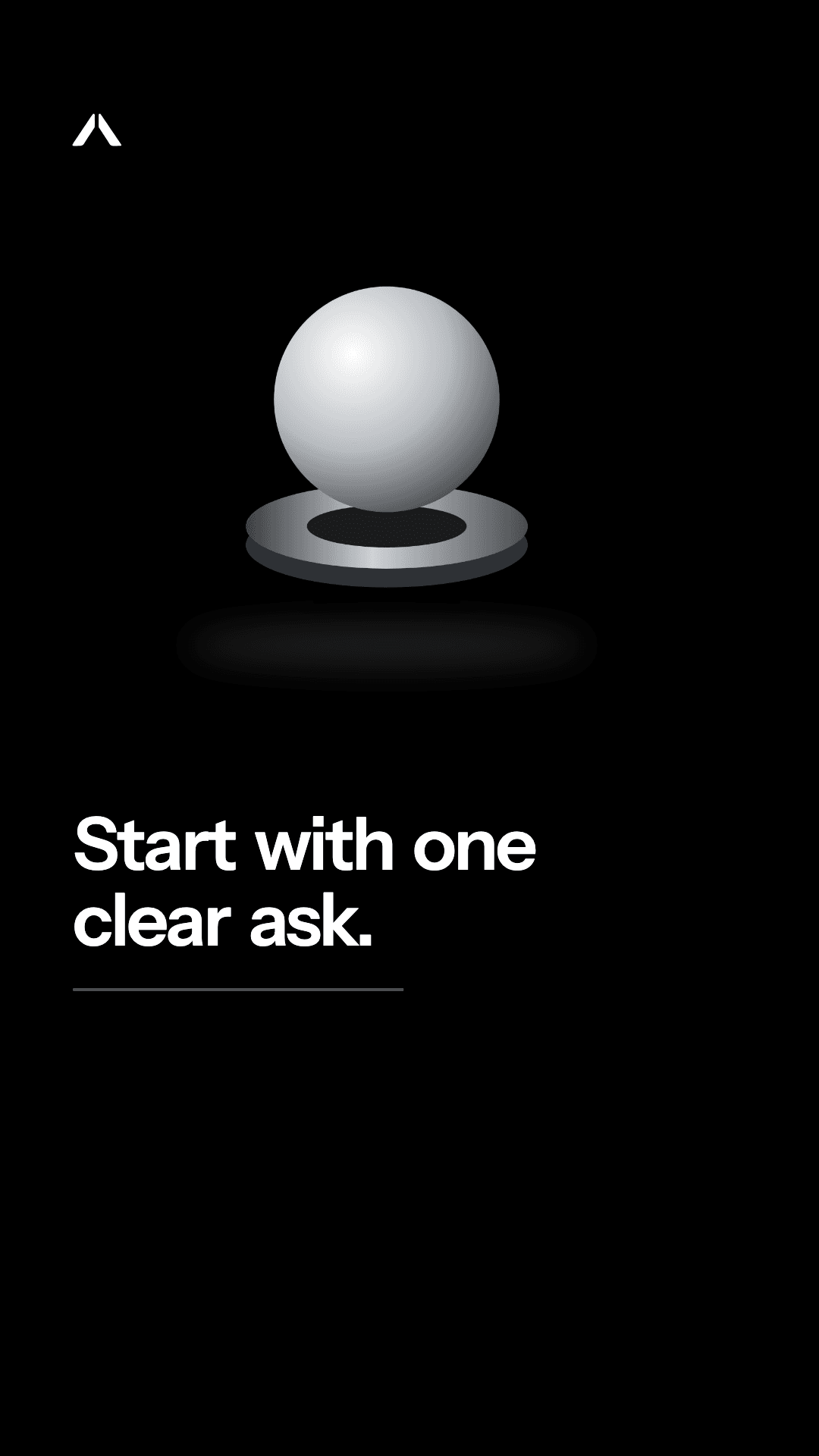
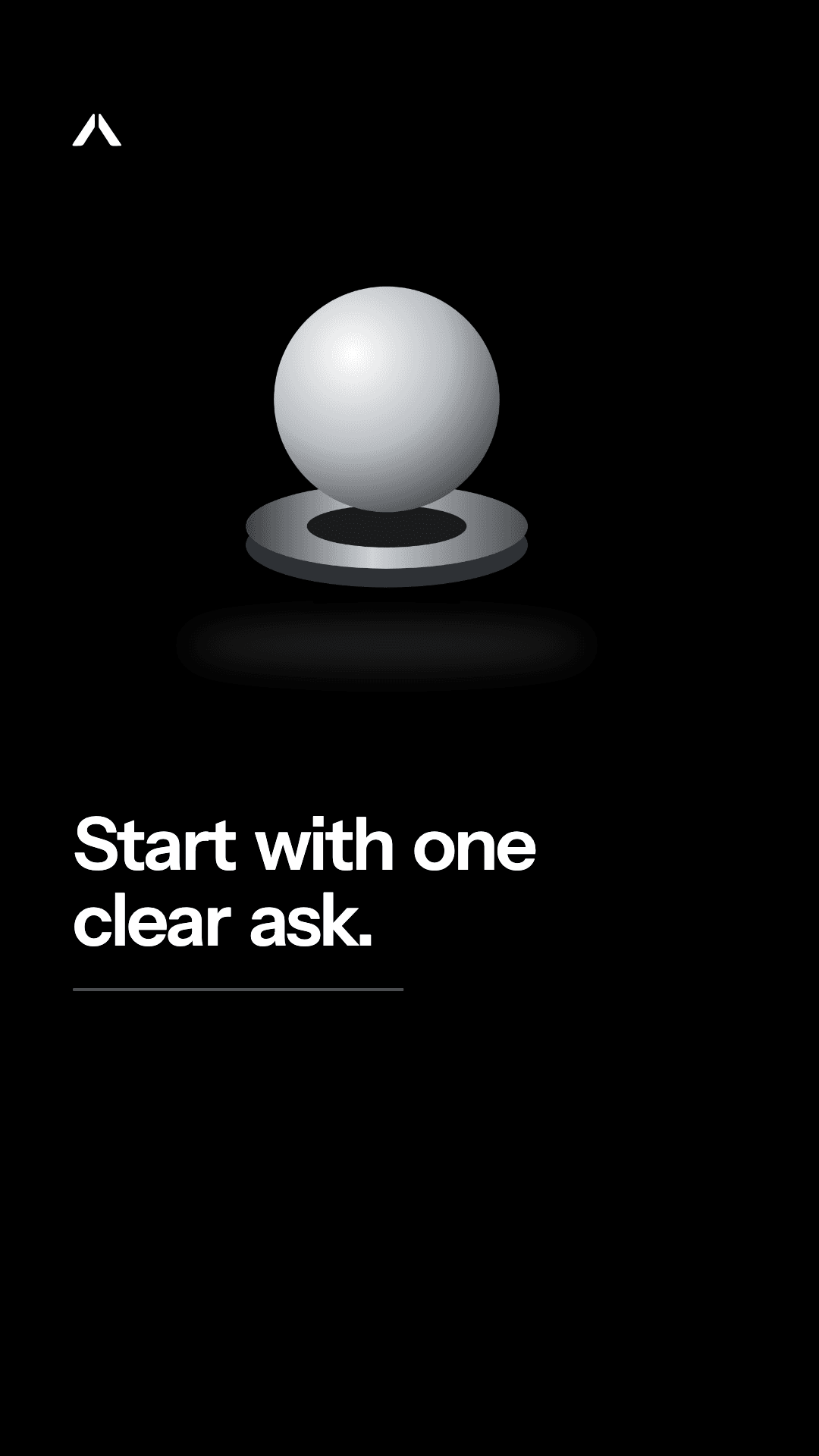
Startwithoneclearask.
Music
Music lowers under the voice automatically
One 18-second Reel: four animated beats, a voiceover, word captions and music
AI presenter videos
We write a short script from your product or knowledge base. Pick a stock presenter, or use your own photo where the model allows it. Polaris adds the voice, captions, music and product shots.
Presenter video · 0:24
9:16
B-rolltaste like blueberries
Presenter
ANAnaTHTheoPRPriyaYour photo
Script
0:00I didn't think coffee could taste like blueberries.
0:06This is the Guji Natural from Northbound.
0:13Roasted Monday, at my door by Thursday.
0:19Link's in the bio. Free shipping over $40.
VoiceWord captionsMusicWaits for approval
AI clips inside a Reel
Describe the shot and it is generated into the beat, between your animated slides. The voiceover and captions carry on over it.
Reel · Holiday gift guide
0:21 · 5 beats
1
Slide · Parallax
3 coffee gifts under $25
0:00–0:04
2
AI clip · 6s
“Slow pour over a glass dripper, steam in morning light”
0:04–0:10
3
Slide · Push
Guji Natural, $24
0:10–0:14
4
AI clip · 5s
“Hands wrapping a coffee bag in brown paper”
Generating 62%
0:14–0:19
5
Slide · Reveal
Order by Dec 15
0:19–0:21
Voice, captions and music run over slides and clips alike
Instagram, LinkedIn and TikTok
Write it once. Each channel gets its own version.
The same idea becomes an Instagram carousel, a LinkedIn PDF document written in a LinkedIn voice, and a TikTok video or photo carousel.
From your knowledge base
Idea
Holiday gift sets are live
Three sets, from $38 to $96
Beans sourced from 4 farms in Huila and Sidama
Order by Dec 15 for delivery before the 24th
northboundcoffee.com/shop/gift-sets
1/5
InstagramCarousel · 5 slides
Three gift sets, roasted to order the week you buy. Swipe to see what is in each box.
Tue, Nov 24 · 9:00 am
1 / 6
What 3 months of sourcing taught us
LinkedInPDF · 6 pages
We spent 3 months sourcing these. Four farms, two continents, one lesson about gifting coffee that people actually drink.
Tue, Nov 24 · 8:30 am
TikTokVideo · 9:16 · 0:18
POV: you finally found a gift for the coffee snob in your life.
Tue, Nov 24 · 6:00 pm · to your TikTok inbox
One approval covers all three
Instagram
Carousels, single images, Reels and Stories, with a first comment and collaborators.
LinkedIn
Company Pages and personal profiles. Text, image, PDF carousel and video.
TikTok
9:16 videos and photo carousels, sent to your TikTok inbox to post.
Products and ads
From product page to finished ads
Bring in your catalog once. Pick a product and Polaris writes a set of ads in several different designs, sizes each one for every placement, cuts a short video ad and shoots the product in a new scene.
Import from your store’s URL, a CSV or a Google Merchant feed
Product photos land in your media library, ready for any post
Prices and product details become facts that posts and ads are allowed to use
Pick a product when you write a post, plan a campaign or make a Reel
Products
48 products
Store URLCSVMerchant feed
northboundcoffee.ca/collections/allImported
48 products · 112 photos saved to your library · prices in CAD
Guji Natural
$24
Ethiopia · 340 g · whole bean or ground
Blueberry, cocoa, jasmineNatural process
Make ad setWrite a postPhotoshoot
Huila Washed
$21
Colombia · 340 g
Red apple, panela
House Blend
$46
Brazil and Colombia · 1 kg
Chocolate, toasted almond
Swiss Water Decaf
$20
Peru · 340 g
Caramel, cherry
Facts from each product page become claims posts and ads may use
Ad studio
Up to 10 versions per set, each with its own hook, headline, primary text and call to action. They don’t share one look: each version gets a template that suits its angle, such as a price tag, a customer quote, a UGC-style phone shot, a side-by-side comparison or a launch card. Every version comes in Feed 4:5, Story 9:16, Square 1:1 and Link 1.91:1, and opens in the design studio if you want to change it. Keep the ones you like and export them as a ZIP.
Ad set · Guji Natural
6 versions × 4 sizes
Six angles, six different designs
24 creatives in this set
NNorthbound
Winter release
Guji Natural is back.
Shop the roast
AKept
Price
Guji Natural is back. $24 a bag.
NNorthbound
“Tastes like blueberry jam. I buy two bags every time.”
PRPriya R.Verified buyer
BKept
Social proof
“Tastes like blueberry jam.”
maya.brews
ok why does thiscoffee taste likeblueberries??
CEditing
UGC-style
ok why does this taste like blueberries
NNorthbound
Roasted Monday. Not months ago.
SupermarketMonths oldBitter finish
NorthboundRoasted MondayBlueberry notes
VS
D
Comparison
Roasted Monday. Not months ago.
NEW
NNorthbound
New · Ethiopia
Natural process, roasted Monday
E
Launch
New: natural-process Ethiopia
NNorthbound
Your pour-over, but
fruitier.
Guji Natural · $24Shop
FRedo
Hook
Your pour-over, but fruitier.
Version A in every size
Open in design studio
NNorthbound
Winter release
Guji Natural is back.
Shop the roast
Feed 4:5
NNorthbound
Winter release
Guji Natural is back.
Shop the roast
Story 9:16
NNorthbound
Winter release
Guji Natural is back.
Shop the roast
Square 1:1
NNorthbound
Winter release
Guji Natural is back.
Shop the roast
Link 1.91:1
Facebook and Instagram feed · Stories and Reels · link ads
Export ZIPSend to Meta or TikTok · soon
Product video ads
A 9:16 video built from the product’s facts and photos, with voiceover and word captions.
Video ad · 0:15
9:16
Tastes like blueberry jam
Hook0–3s
Tastes like blueberry jam
Product3–7s
Guji Natural, natural process
Proof7–11s
Roasted Monday, shipped Tuesday
Offer11–15s
Free shipping over $40
Built from product facts and photos · counts as 1 Reel
AI product photoshoot
Polaris removes the background from your product shot and places it in a new scene, saved to your library.
Photoshoot · Guji Natural
1 AI image
Your product photo
New
Kitchen counter, morning light
Background removedScene addedSaved to library
Paid ads on Meta and TikTokComing soon
Campaigns are created paused. Only an owner or admin can launch one, after confirming the budget and dates. Coming to Business and Agency once Meta and TikTok approve our access.
Campaign · Guji winter
Coming soon
PausedCreated paused
Where
MetaTikTok
Budget
$40 a day
Dates
Dec 1 – Dec 14
Most it can spend
$560
Audience
Canada · 25–44
Creative
Version A · 4 sizes
Launch campaignOwner confirms budget and dates
Links and link in bio
See which posts send people to your site
Links in captions and first comments become short links with UTM tags, so every click is counted per post and per campaign. Your link-in-bio page lives at polarisstudio.ai/@yourbrand, built from your brand kit.
Short links with no cap on links or clicks
UTM tags added per post and campaign, so Google Analytics sees them too
Clicks by day, source and device, with bots filtered and no IP addresses stored
A bio page with your links, products and latest posts, in your colours and fonts
polarisstudio.ai/@northbound
N
Northbound Coffee
Small-batch roaster in Halifax. Roasted Mondays, shipped Tuesdays.
Bots filtered · no IP addresses storedAlso on the post, the campaign and in Analytics
One short link from one carousel: 412 clicks in a week
Repurpose and campaigns
One article becomes a month of posts
Drop in a blog post, PDF or doc and get key points, then drafts for every channel. Or plan a multi-week campaign with a real arc, from teaser to last call.
Repurpose
Paste an article link or upload a PDF, DOCX, TXT or Markdown file and get drafts for each channel.
Repurpose · Quarterly taxes
3 drafts
Source
LinkPDFDOCX
ledgerline.com/blog/quarterly-taxes
Quarterly estimated taxes: a calm guide for freelancers
1,840 words · 7 min read
Found 4 key points, 2 quotes, 3 numbers
Key points
4 of 4 kept
Set aside 25–30%
Pay by Jan 15
Keep receipts digital
Use a separate account
Quote: “Treat April like a bill you already know about.”
Drafts
Next free slots
Carousel · 5 slidesThu Nov 19
Quarterly taxes, in 5 slides
Page postMon Nov 23
Most freelancers underpay in Q1. Here is the fix.
Video · 9:16 · voiceoverWed Nov 25
0:34
Where should tax money live? Not in checking.
Drafts for reviewApprove to schedule
Campaigns
Pick awareness, launch, event or sale, set the dates, and Polaris plans the posts across your channels.
Spring launch
4 weeks · 3 channels
Ledgerline Receipts
Mar 1 – Mar 28, 2027
AwarenessLaunchEventSale
Teaser
Launch
Proof
Countdown
Last call
Wk 1 · Mar 1Wk 2 · Mar 8Wk 3 · Mar 15Wk 4 · Mar 22
Posts per week
InstagramLinkedInTikTok
4 posts
7 posts
5 posts
7 posts
23 drafts, each dated on its day. Nothing goes out until it is approved.
Evergreen
Your best posts come back as refreshed drafts for empty slots, ready for your approval.
Evergreen
Up to 2 a week
Carousel · 6 slidesTop 20%
“The receipt shoebox is costing you $1,200 a year.”
Published Mar 4 · 2.3× avg saves
Saves
318
Shares
74
Reach
9.6k
New hook and caption · Data Story style
Refreshed draftFor approval
“3 receipts your accountant asks for every April, and how to keep them in 10 minutes.”
Empty slot Tue Nov 24, 9:00am
Fills empty slots with your best work, rewritten
Learning
It notices what works and does more of it
Polaris tracks which hooks, formats, styles, voices and posting times perform on each channel, then steers next week's drafts toward them.
Per-channel results from Instagram, LinkedIn and TikTok
Suggested posting times from your own audience
Monthly reports you can send as they are, on the Agency plan
What's working · last 30 days
34 posts
Hook types
vs. your typical post
Question hooks· 9
+38%
Numbers first· 8
+21%
How-to· 11
+9%
Statement· 6
−6%
Formats
1.00× = typical
1.42×1.18×0.86×1.07×
CarouselReelImageLinkedIn doc
1,284▲31%
Saves
48.2k▲12%
Reach
Leaning toward next week
Question hooksCarouselsData Story styleTue/Thu mornings
Best times · Instagram
Last 90 days
Mon
Tue
Wed
ThuBest: Thu 7:30 PM
Fri
Sat
Sun
6a9a12p3p6p9p
quieterbusier
Instagram slot 2: Thu 6:00 PM → Thu 7:30 PM
Posts at 7:30 PM got +34% engagement · n = 11
Apply
Ideas, listening and competitors
Never start from a blank calendar
RSS feeds, holidays and a weekly web search turn into ranked post ideas, one click from a draft. Listening finds conversations worth joining, and competitor watch shows what's working for the brands you follow.
Ranked ideas every Monday
Each idea shows its source and how well it fits your brand. Turn it into a post or add it to a campaign.
Idea radar
Updated Monday
NNorthbound Coffee3 feeds · CA holidays · 1 web search
Ranked ideasFit score
1
Cocoa-mocha pour-over for National Cocoa Day
Fits your brew-at-home pillar · lands on Sunday
Holiday · Dec 13, National Cocoa Day94 / 100
Turn into postAdd to campaignDismiss
94 / 100
2
Your take on this year's Ethiopia harvest notes
Ties to the Guji lot coming back Friday
RSS · Sprudge86 / 100
86 / 100
3
Gift subscriptions before the Dec 15 shipping cutoff
“Coffee gift subscription” searches up in Canada
Web search78 / 100
78 / 100
4
A 5-slide pour-over brew guide
Brew guides earn 3× saves for Cedar & Crema
Competitor71 / 100
71 / 100
Showing 4 of 12 ideasNext run Mon, Dec 14
Your competitors, checked daily
Compare growth, engagement and posting pace with the Instagram accounts you follow most closely. On Business and Agency plans, opening soon.
Competitor watch
Opening soon
YouRidgeline RoastersCedar & Crema
Checked daily
Followers growth (30d)
+4.8%
+2.1%
+3.4%
Avg engagement
3.9%
2.6%
5.2%
Posts/week
4
6
5
Idea from competitors
Cedar & Crema’s brew-guide carousels get 3× their usual saves. Try a 5-slide pour-over guide?
From 30 days of public postsDraft it
Social listening
Track keywords on Bluesky, Reddit and Instagram hashtags. Each match is scored for relevance and intent and comes with a drafted reply, which you post yourself.
Listening
3 keywords
pour overHalifax coffee#pouroverBluesky · Reddit · Instagram
rr/halifax2h94 / 100
Any local roaster that ships beans the day after roasting?
Looking to buy
Drafted reply
We roast on Mondays and ship Tuesdays from the North End. Shipping is free in Canada over $40, if that helps.
Copy replyOpen on Reddit
b@mira.drinks5h81 / 100
Why do natural-process coffees taste like jam?
Question
#pourover1d64 / 100
Show us your pour-over setup this weekend
Conversation
You post the reply from your own account
Competitor adsComing soon
See which ads your competitors are running on Facebook and Instagram, and for how long, from the Meta Ad Library. Opens once Meta approves our access.
Competitor ads
Coming soon
From the Meta Ad LibraryRidgeline Roasters · 6Cedar & Crema · 2
Ridgeline Roasters
Holiday sampler: 3 bags for $49
Since Nov 216 days
Ridgeline Roasters
Subscribe and save 15%
Since Nov 135 days
The sampler has run 16 days. Worth a look.Waiting on Meta
Inbox
Replies drafted in your voice, sent by a person
We draft a reply to each comment using your knowledge base and tone. Your team can assign it, leave a note and pick a saved reply. Nothing is sent until someone approves it.
Posts, Reels, the design studio, the ad studio, AI video and voiceover for Instagram, LinkedIn and TikTok, written from what your business knows and published only when you approve. Start with a 7-day trial.
Polaris Studio is an AI social media content studio. It learns your business from your website, docs or GitHub repo, writes a week of posts for Instagram, LinkedIn and TikTok, renders them in your brand's logo, colours and fonts, and publishes the ones you approve on schedule.
Which social networks can it publish to?
Instagram (carousels, single images, Reels and Stories), LinkedIn (company Pages and personal profiles, including PDF document carousels and video) and TikTok (videos and photo carousels). TikTok posts are sent to your TikTok inbox to finish and post while TikTok reviews direct posting.
Does anything get posted without my approval?
Not unless you turn on auto-approve, which is off by default. Replies to comments, messages and reviews always need a person, and paid ad campaigns are only launched by an owner or admin. With auto-approve off, nothing is scheduled until an owner or admin approves it. You can change any post in the design studio, ask for a rewrite with a note, or skip it.
Where does the content come from?
From a knowledge base Polaris builds out of your website, uploaded documents or a GitHub repo. You review it, along with a list of claims posts are allowed to make and a denylist of words they must never use. Posts can also start from an article you repurpose, an idea from the idea radar, or a campaign brief.
Will the posts actually look like my brand?
Yes. Paste your website and Polaris drafts your logo, colours, fonts and voice for you to accept. Every post is rendered in those, in one of eight creative styles or a custom style you build from reference images, and every template recolours itself with your brand kit when you open it.
Can I design posts myself?
Yes. Posts, carousels, Stories, LinkedIn posts and TikTok photo posts all open in the design studio, and so do Reel and TikTok covers and the style of their on-screen text. You can drag, resize and rotate anything; add text, shapes, lines, frames, icons, emoji and stickers such as price tags, SALE and NEW stamps, star ratings and badges; add charts, tables, QR codes, drawings and device mockups; and use layers, rulers, snapping guides, undo and redo. There are about 60 fonts plus your own brand fonts, with shadow, outline, highlight and curved text. Photos come from your library, stock or your product photos, with filters, photo grids and one-click background removal. What you see in the editor is exactly what gets published.
Do I get ready-made ad templates?
Yes. There are about 40 ad templates and 30 post templates, and each one recolours itself with your brand's colours, fonts and logo. Your team can save its own designs as templates, and new templates are added for everyone regularly. Magic resize turns any design into Feed 4:5, Story 9:16, Square 1:1 and Link 1.91:1.
What can I download from the design studio?
Any design, as a PNG, a JPG, a PNG with a transparent background, a PDF with selectable text, a print-ready PDF, an MP4 or a GIF. Choose 1×, 2× or 3× size and which pages, and several pages come as one ZIP. Everything you've made is on the Designs page, where you can search, open, duplicate, rename or download it.
What do the Magic tools in the editor do?
For photos, Magic Eraser removes things, Magic Edit paints in something new from a prompt, Magic Expand widens the frame, Magic Grab lifts the subject out so you can move it, and Upscale makes a photo 2× or 4× larger. Magic can also generate an image, rewrite or translate text, write in your brand voice, suggest alt text, and turn a short prompt into 3 design options in your brand, written from your knowledge base. They're on every plan: each image counts as 1 AI image and each text tool or prompt design as 1 AI generation.
Can I animate a design and post it as a Reel?
Yes. Press Animate and each element gets an entrance that suits it, or set the animation, timing and easing for each element yourself. Add video clips, GIFs and music, and set page lengths and transitions on the timeline. An animated 9:16 design can be posted as an Instagram Reel (up to 90 seconds), a TikTok video or a LinkedIn video (up to 3 minutes), or downloaded as an MP4 or GIF.
Can it make Reels and TikTok videos?
Yes. Each 9:16 video is written as 3 to 10 short beats (8 to 30 seconds). Your visuals are animated with parallax, push, reveal or 3D-spin motion, and any beat can be an AI video clip of up to 8 seconds instead. Turn on voiceover for a free voice with no limit or a premium voice, with captions synced word by word. Your own music is lowered under the voice automatically, and AI music is coming soon.
Can it make AI presenter or UGC-style videos?
Yes. We write a short script from a product or your knowledge base, you pick a stock presenter (or use your own photo where the model supports it), and Polaris adds the voiceover, word captions, music and product shots. AI presenter videos are counted monthly on Business and Agency, and every plan can add them with a top-up pack. AI clips are counted monthly on every plan, and the trial includes 2. Like every post, they wait for your approval.
Can it make ads from my products?
Yes. Import your catalog from your store's URL, a CSV or a Google Merchant feed, and the product photos go into your media library. Pick a product and the ad studio writes up to 10 versions, each with a hook, headline, primary text and call to action. The versions come in several different designs, each matched to its angle (price, social proof, UGC-style, comparison, launch and more), and every one is sized for Feed 4:5, Story 9:16, Square 1:1 and Link 1.91:1. You can change any of them in the design studio, export them as a ZIP, turn a product into a short video ad, or have the AI place your product photo in a new scene.
Will it spend ad money without me?
No. Publishing ads straight to Meta and TikTok is coming soon, on the Business and Agency plans, once both platforms approve our access. When it opens, every campaign is created paused. Only an owner or admin can launch one, after confirming the budget and dates, and you can pause it again at any time.
What are short links and the link-in-bio page?
Links in your captions and first comments can be turned into short links with UTM tags, so you see clicks per post and per campaign, and Google Analytics sees them too. Bots are filtered out and IP addresses are never stored. Each brand also gets a link-in-bio page at polarisstudio.ai/@yourbrand with your links, products and latest posts, in your brand kit.
Can it answer DMs and reviews?
Instagram comments work today: we draft a reply and a person approves it before it's sent. Instagram and Facebook messages, Instagram mentions and Google review replies are coming soon, once Meta and Google approve our access, and they'll follow the same rule. Your team can assign conversations, leave internal notes, add labels and use saved replies.
How does the free trial work?
Every plan starts with a 7-day trial. A card is required but nothing is charged during the trial, and you can cancel any time before it ends. The trial covers 1 brand, 10 posts, 10 AI generations, 2 Reels, 10 AI images, 3 premium voiceovers, 1 knowledge-base build, 1 ad set and 2 AI video clips. There is one trial per account and per card.
Can I use it for client accounts?
Yes. The Agency plan covers 25 client brands with client approval links that need no seat, white-label pages and emails, an agency dashboard across every client, and monthly branded PDF reports. Every plan can export a brand for hand-over.
Start this week
Your next week of posts, ready by Friday.
Point Polaris Studio at your website today. It drafts the week in your colours and voice, and nothing goes out until you approve it.